How to test how-to steps for accuracy and completeness?
The Critical Importance of Verifying Instructions
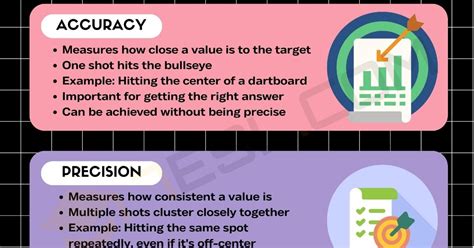
Crafting clear and effective “how-to” guides is an art, but ensuring they actually work and lead users to the desired outcome is a science. Inaccurate or incomplete instructions can lead to frustration, wasted time, and even potential damage. Therefore, robust testing of how-to steps is not just good practice; it’s essential for user success and the credibility of the information provided.

Why Thorough Testing Matters
The goal of any how-to guide is to empower users. This empowerment is undermined by:
- Errors: Incorrect commands, values, or sequences.
- Omissions: Missing critical steps, prerequisites, or caveats.
- Ambiguity: Vague language that can be misinterpreted.
- Assumptions: Expecting users to know information not explicitly stated.
- Outdated Information: Steps that no longer apply due to system changes.
Systematic testing helps mitigate these risks, ensuring a smooth and successful user experience.
Key Strategies for Effective Testing
Several methods can be employed to thoroughly vet your how-to instructions:
1. Blind Follow-Through (User Emulation)
This is arguably the most crucial step. Have someone unfamiliar with the process, ideally a member of your target audience, follow the instructions precisely as written. They should not use any prior knowledge or make assumptions. Document every point of confusion, error, or missing step.
2. Peer Review and Expert Verification
While blind testing catches user-level issues, a peer or subject matter expert (SME) can review the steps for technical accuracy, best practices, and completeness from an informed perspective. They can spot subtle errors or more efficient methods.
3. Edge Case and Negative Testing
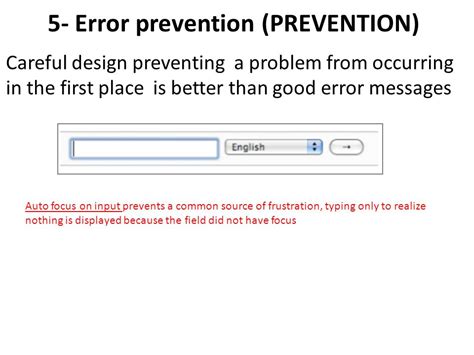
Beyond the happy path, consider what happens if a user deviates or encounters an unexpected scenario. Do the instructions account for common errors, alternative choices, or potential system messages? Test for these “what if” situations.

4. Screenshot and Visual Aid Verification
If your how-to includes screenshots or diagrams, ensure they accurately reflect the current interface and align perfectly with the text. Outdated visuals can be as misleading as incorrect text.
5. Feedback Loops and Iteration
Testing is an iterative process. Implement mechanisms for users to provide feedback directly on the documentation. Use this feedback to continuously refine and update your guides.

A Practical Checklist for Testing How-To Steps
Use this checklist to systematically evaluate your instructions:
- Prerequisites & Setup: Are all necessary tools, accounts, or environmental setups clearly listed and verified?
- Step-by-Step Accuracy: Does each instruction precisely describe the action to be taken and the expected outcome?
- Completeness: Are any steps missing? Is critical information (e.g., warnings, success messages, next steps) included?
- Clarity & Conciseness: Is the language easy to understand for the target audience? Is jargon explained? Are sentences concise?
- Logical Flow: Do the steps follow a natural, logical progression?
- Consistency: Are terms, formatting, and tone consistent throughout the guide?
- Error Handling: Are potential errors or common user mistakes addressed? Are solutions or troubleshooting steps provided?
- Visual Aids: Are all screenshots, diagrams, and videos up-to-date and correctly labeled?
- Accessibility: Is the guide accessible to users with different needs (e.g., clear headings, alt text for images)?
- Reproducibility: Can the process be successfully repeated multiple times without issues?
Conclusion
Testing how-to steps for accuracy and completeness is not a final hurdle but an integral part of the documentation creation process. By employing strategies like blind follow-through, expert review, and a systematic checklist, you can significantly enhance the quality, usability, and reliability of your guides. The effort invested in thorough testing translates directly into a better user experience, fewer support queries, and ultimately, greater success for both the user and the information provider.