How to tailor how-to steps for non-technical beginners?

Understanding Your Non-Technical Audience
Crafting effective how-to guides for beginners who lack technical expertise is less about simplifying the task itself and more about how you communicate it. The goal is to empower users to successfully complete a task without feeling overwhelmed or frustrated. This requires a deep understanding of their perspective, anticipating their challenges, and building confidence through clear, empathetic instruction.
Before you even write the first step, put yourself in their shoes. What assumptions might they bring? What jargon do they not understand? What common pitfalls might they encounter? A non-technical beginner often needs more than just instructions; they need reassurance, context, and a clear path forward.

Core Principles for Beginner-Friendly How-Tos
1. Speak Their Language, Not Yours
- Eliminate Jargon: Avoid technical terms, acronyms, and industry-specific language. If a technical term is absolutely necessary, explain it clearly and simply the first time it appears.
- Use Simple Vocabulary: Opt for common, everyday words. Short sentences are easier to process than long, complex ones.
- Be Direct and Active: Use active voice and direct commands (e.g., “Click the button,” not “The button should be clicked”).
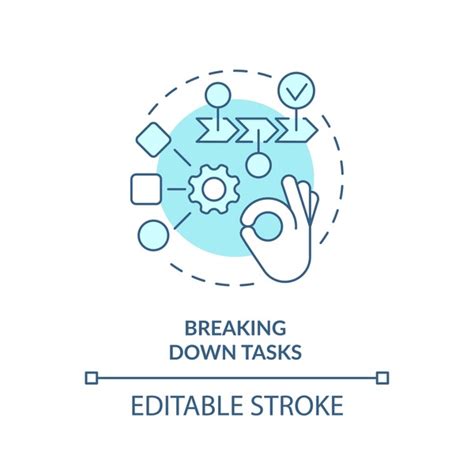
2. Break Down Tasks into Micro-Steps
What seems like one step to an expert might be three or four distinct actions for a beginner. Deconstruct each major action into its smallest possible components. Each step should represent a single, actionable instruction. For example, instead of “Open the application,” break it into “1. Locate the ‘X’ icon on your desktop. 2. Double-click the ‘X’ icon to open the application.”
3. Provide Context and Explain the “Why”
Beginners often feel more confident and less like they’re just mindlessly following instructions if they understand the purpose behind each action. Briefly explain why they are performing a particular step. For instance, “Click ‘Save’ to ensure your changes are not lost.” This adds a layer of understanding and reduces anxiety.
4. Leverage Visual Aids Effectively
A picture is worth a thousand words, especially for non-technical users. Screenshots, simple diagrams, or short video clips can clarify complex steps far better than text alone. When using visuals:
- Annotate Clearly: Use arrows, circles, and labels to highlight key elements in screenshots.
- Keep it Clean: Avoid cluttered visuals. Focus on what’s essential.
- Match Text to Image: Ensure the visual directly corresponds to the accompanying textual instruction.

5. Offer Encouragement and Anticipate Challenges
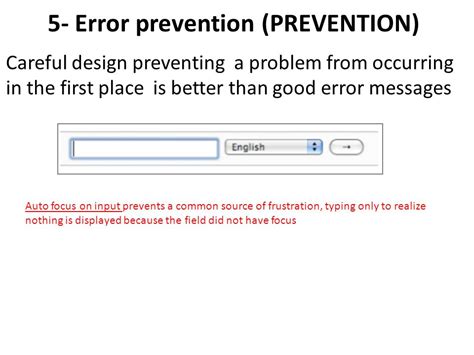
Acknowledge that learning new things can be challenging. Phrases like “Don’t worry if this takes a moment” or “If you encounter X, here’s what to do” can significantly reduce user anxiety. Provide clear error messages or troubleshooting tips for common issues. Emphasize success at key milestones.
6. Test with a True Beginner
The best way to validate your how-to guide is to have someone who genuinely fits your non-technical beginner profile follow your steps without any prior explanation from you. Observe where they struggle, what questions they ask, and where your instructions fall short. This feedback is invaluable for refinement.

Practical Techniques for Writing Clear Steps
- Use Numbered Lists: Each step should be a distinct item in a numbered list for easy tracking.
- Highlight Key Information: Use bold text for clickable elements, menu items, or crucial warnings.
- Provide Clear Starting Points: Always tell them exactly where to begin (e.g., “From the main dashboard…”, “Open your web browser…”).
- Define Success: Conclude each major section or the entire guide by telling them what successful completion looks like (e.g., “You should now see a green checkmark,” “Your document is now saved.”).
Conclusion
Tailoring how-to steps for non-technical beginners is an act of empathy. It involves stepping away from your own expertise and adopting a beginner’s mindset. By simplifying language, breaking down complex actions, using effective visuals, providing context, and rigorously testing your instructions, you can transform potentially daunting tasks into achievable goals. The result is a more confident, successful user and a more effective, accessible guide.