How to create engaging game tutorials without overwhelming beginner players?

The first few minutes of playing a new game are crucial. This is where players decide if they want to invest their time, and a well-designed tutorial can make all the difference. The challenge lies in introducing core mechanics and concepts without overwhelming beginners, turning excitement into frustration. This guide will explore effective strategies to create engaging, intuitive tutorials that empower players rather than stifle them.
Understanding the Beginner’s Mindset
New players are often a mix of curiosity and trepidation. They want to explore and understand, but they also fear making mistakes or feeling lost. An effective tutorial anticipates these feelings, offering a helping hand rather than a lecture. It’s about building confidence, not just conveying information.
Embrace “Learn by Doing”
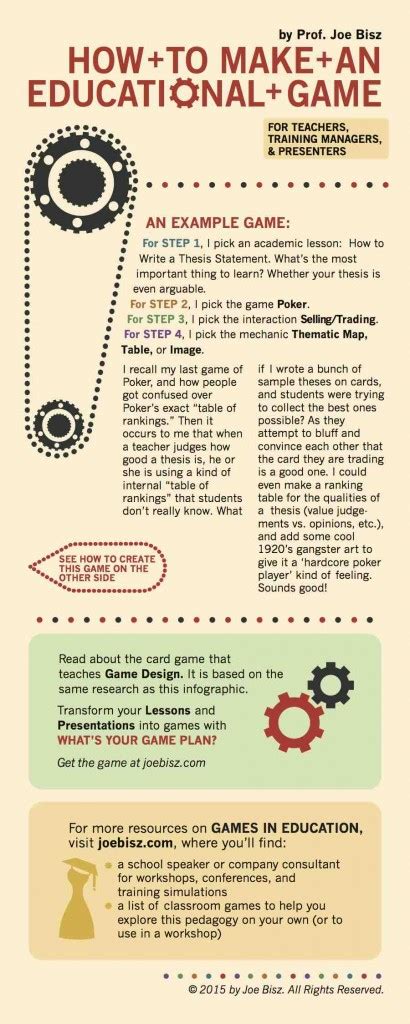
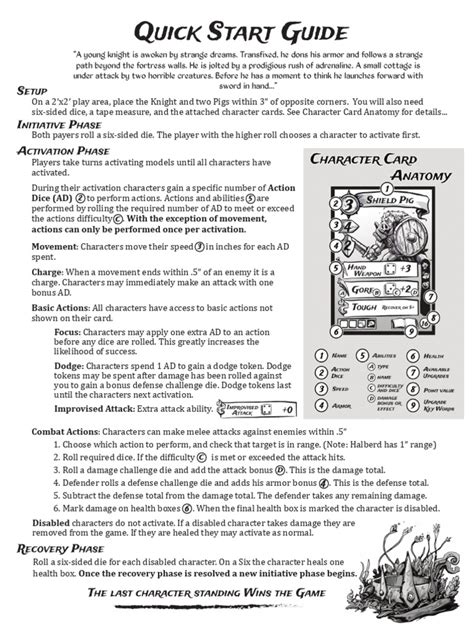
The most effective tutorials are interactive. Instead of lengthy text boxes or passive cutscenes, allow players to immediately apply what they’re learning. Present a simple task, explain the controls needed to perform it, and let them execute it. This hands-on approach reinforces understanding and makes the learning process feel like part of the game itself.
Break down complex mechanics into smaller, manageable steps. Introduce one concept at a time, ensure the player masters it, and then build upon that foundation. For example, if your game involves movement, jumping, and attacking, don’t teach all three simultaneously. Start with movement, then jumping, then integrate attacking. Each new skill should feel like a natural progression.
Contextual Learning and Visual Cues
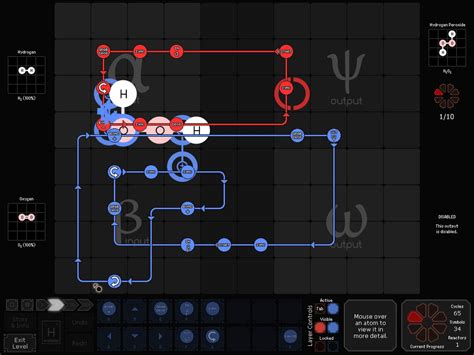
Explaining why a mechanic is important or how it fits into the game’s world makes it more memorable. Instead of saying “Press X to attack,” demonstrate an enemy that needs attacking. Show the immediate benefit of performing an action. Visual cues are equally vital. Use glowing outlines, directional arrows, or highlighted UI elements to draw the player’s attention to what’s important at that moment. Subtle visual and audio feedback when a player performs an action correctly provides positive reinforcement.

Offer Optionality and Flexibility
Not all players learn at the same pace, and some might even be replaying the game. Provide options to skip tutorial sections or offer “advanced tips” for those who want to dive deeper. Contextual help, such as tooltips that appear when hovering over UI elements or accessing a help menu, allows players to seek information when they need it, rather than being forced to consume it upfront.
Practical Techniques for Engagement
Mini-Challenges and Quests
Frame tutorial elements as mini-quests. “Your objective: cross the chasm using your new double-jump ability!” This gamifies the learning process, making it feel less like a chore and more like an integral part of the adventure. Reward success with a small in-game item or experience points to further motivate players.

“Show, Don’t Tell” with Demos and Ghost Inputs
Instead of lengthy text descriptions, demonstrate actions. A brief animation showing a character performing a special move is often more effective than paragraphs of explanation. For complex sequences, consider “ghost inputs” where the controller inputs briefly flash on screen, showing the player exactly what to press.
Sandbox Areas for Experimentation
Once a core mechanic is introduced, provide a safe, consequence-free environment where players can practice and experiment. This could be a training dummy in an RPG, a simple puzzle room, or an empty arena. This allows players to build muscle memory and confidence without the pressure of combat or time limits.

What to Avoid
- Information Overload: Dumping all game mechanics at once in a wall of text.
- Unskippable Cutscenes: Tutorials that are essentially long, passive videos can bore players and frustrate those who’ve played before.
- Lack of Context: Teaching a mechanic without explaining its purpose or where it fits in the game world.
- Punishing Mistakes: Beginners should be allowed to make errors without severe penalties; feedback should be corrective, not punitive.
Conclusion
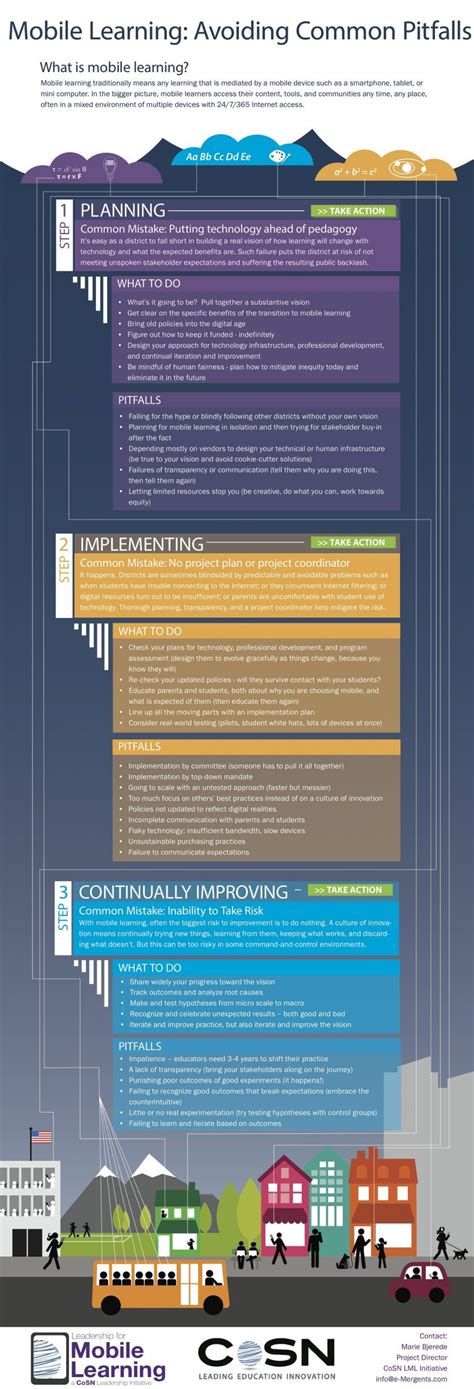
Creating engaging game tutorials is an art form. It requires empathy for the new player experience and a commitment to intuitive design. By focusing on interactive learning, gradual progression, contextual information, and providing flexibility, developers can craft tutorials that not only teach but also excite, setting players up for a truly enjoyable journey from their very first moments in the game.