How do I prevent users from skipping vital How-To steps?

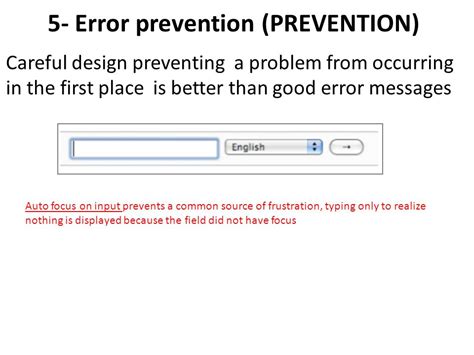
When crafting how-to guides, one of the biggest challenges is ensuring users follow every single step. Skipping vital instructions can lead to frustration, errors, or an incomplete task. The goal is not just to provide information, but to guide users effectively through a process, making it difficult for them to miss critical details. This article explores practical strategies to create robust how-to guides that encourage compliance and prevent users from skipping essential steps.
The Foundation: Clarity and Logical Structure
The cornerstone of any effective how-to guide is clear, unambiguous language. Avoid jargon where possible, or define it clearly if necessary. Use active voice and simple sentences. Each instruction should be a single, actionable command. If a step involves multiple sub-actions, break them down further into distinct points.
Complex tasks intimidate users. By breaking down a large process into smaller, manageable steps, you reduce cognitive load and make the overall task seem less daunting. Use numbered lists for sequential steps and bullet points for non-sequential options or requirements. A logical flow, where one step naturally leads to the next, is paramount.

Enhancing Understanding with Visuals and Interaction
“A picture is worth a thousand words” holds true for how-to guides. Incorporate relevant screenshots, diagrams, or short video clips to illustrate each critical step. Visuals can clarify complex actions, show expected outcomes, and help users quickly verify if they’re on the right track. Ensure visuals are clear, well-annotated, and directly support the text.
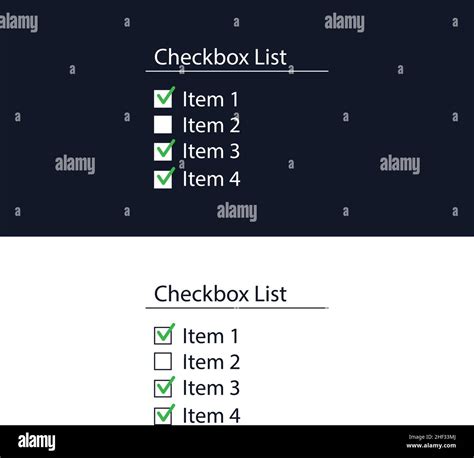
For digital how-to guides, consider interactive elements. This could include clickable checkboxes next to each step, progress bars that update as users mark steps complete, or even embedded quizzes to confirm understanding. These elements not only enhance engagement but also provide a mechanism for users to track their progress and acknowledge completion of each vital instruction.
Highlighting Critical Information and Consequences
Crucial warnings, prerequisites, or important notes should stand out. Use distinct formatting – bold text, colored boxes, or dedicated “Caution!” or “Important!” sections – to draw the user’s eye. Place these warnings before the step they pertain to, ensuring users see them before attempting potentially problematic actions.
While not always necessary, for particularly sensitive procedures, briefly stating the consequence of skipping a step can be a powerful motivator. Frame it constructively, e.g., “Failure to complete this step will result in data loss,” or “Skipping this configuration could lead to system instability.” This reinforces the ‘vital’ nature of the instruction.

Testing and Iterative Improvement
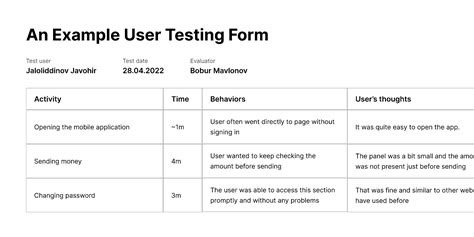
The best way to identify skipped steps is to observe users in action. Conduct usability tests with individuals who are unfamiliar with the process. Pay close attention to where they pause, get confused, or attempt to jump ahead. Their natural tendencies will reveal weaknesses in your guide’s structure or clarity.
Gather feedback not only on clarity but also on the perceived necessity of each step. Users might skip a step because they don’t understand why it’s important. Use this feedback to refine your instructions, add contextual explanations, or even re-evaluate if a step can be simplified or removed without compromising the outcome. Continuously iterate your guides based on real-world user behavior.
Preventing users from skipping vital how-to steps requires a multi-faceted approach. By combining clear, well-structured instructions with effective visual aids, strategic warnings, and continuous user-centered refinement, you can significantly improve the success rate of your guides. The ultimate goal is to build user confidence and ensure a smooth, error-free experience from start to finish.