





Best Switch SD card for maximizing game storage & indie titles?
Why Your Nintendo Switch Needs a Storage Upgrade
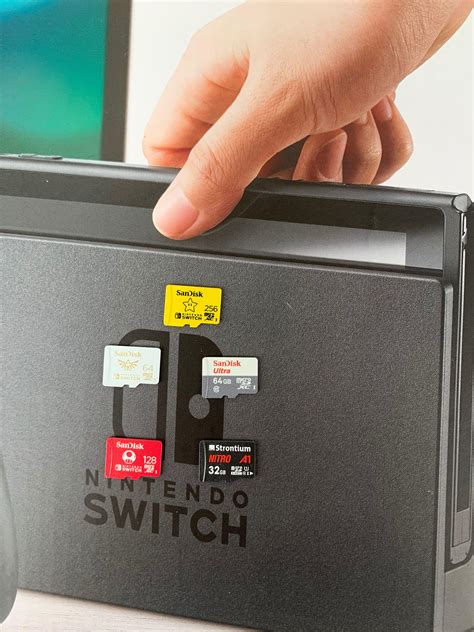
The Nintendo Switch, a marvel of portable gaming, comes with a rather modest 32GB (or 64GB for the OLED model) of internal storage. While sufficient for a few small titles, it quickly fills up, especially if you dive into the vast world of digital downloads. This is where an SD card becomes not just an accessory, but an essential component for any serious Switch owner, crucial for maximizing your game library, particularly with the ever-growing collection of incredible indie titles.
Understanding SD Card Types and Speed for Switch
Not all SD cards are created equal, and choosing the right one for your Switch involves understanding a few key specifications. The Nintendo Switch exclusively uses microSD cards, specifically microSDHC (up to 32GB) or microSDXC (32GB and above). For game storage, you’ll almost certainly want a microSDXC card due to their higher capacities.
Beyond capacity, speed is paramount. Look for cards with an A1 or, preferably, an A2 rating (Application Performance Class). A2 cards offer better random read/write speeds, leading to quicker game loading times and smoother gameplay for titles installed on the card. Additionally, a U3 speed class (UHS Speed Class 3) is recommended, indicating a minimum write speed of 30 MB/s, which further enhances performance.
Key Factors to Consider When Choosing Your SD Card
Capacity: How Much Space Do You Really Need?
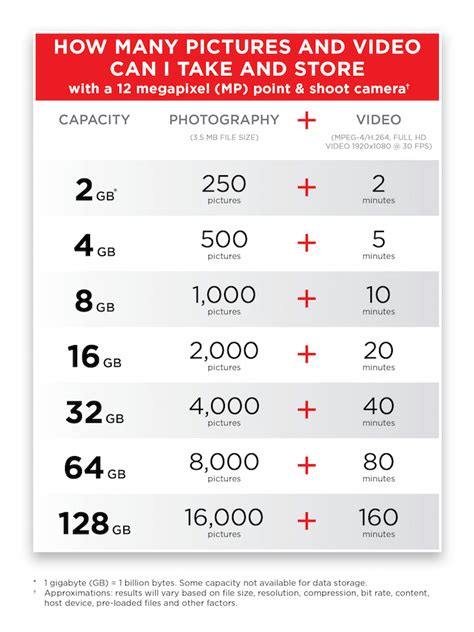
This is arguably the most critical decision. Game sizes vary wildly, from a few hundred MBs for some indie games to over 20GB for major first-party titles. Consider your gaming habits:
- 128GB: A good starting point for casual gamers or those who mostly play physical cartridges.
- 256GB: The sweet spot for many, offering ample space for a mix of digital AAA games and a healthy collection of indies without breaking the bank.
- 512GB: Ideal for avid digital collectors, those with large indie libraries, or players who frequently download multiple large titles.
- 1TB+: For the most dedicated digital-only gamers who want to download virtually everything without worrying about space for years to come. While more expensive, prices are becoming more accessible.
Speed Ratings: A1 vs. A2 and U1 vs. U3
As mentioned, these ratings directly impact your gaming experience. While the Switch doesn’t fully utilize the absolute fastest speeds available on some top-tier cards, a card with A2 and U3 ratings will provide the best possible performance, minimizing load screens and ensuring games run smoothly from the card.
Brand Reliability and Warranty
Stick to reputable brands like SanDisk, Samsung, and Lexar. These brands are known for their quality, durability, and often come with good warranties. Counterfeit SD cards are common, so always purchase from trusted retailers.
Top SD Card Recommendations for Nintendo Switch
Based on performance, reliability, and value, here are some general recommendations:
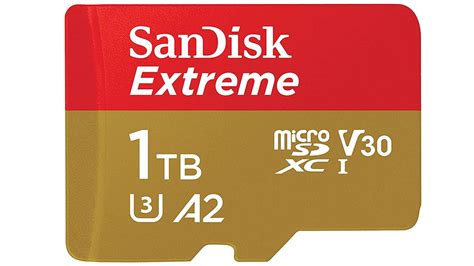
- SanDisk Extreme / Extreme Pro microSDXC: Often considered the gold standard for Switch users. Available in various capacities (up to 1TB), these cards offer excellent A2 and U3 performance, making them a top choice for speed and reliability.
- Samsung EVO Select / EVO Plus microSDXC: Another highly reliable and popular option, providing strong A2 and U3 performance at a competitive price point. Great value for money.
- Lexar PLAY microSDXC: Specifically designed for gaming devices, these cards offer A2 performance and good value, making them a solid choice.
When selecting, aim for at least 256GB if you plan to download a significant number of games, especially if indie titles are your passion. Many indie games, while smaller than AAA blockbusters, add up quickly, and having ample space means you won’t have to constantly delete and redownload titles.
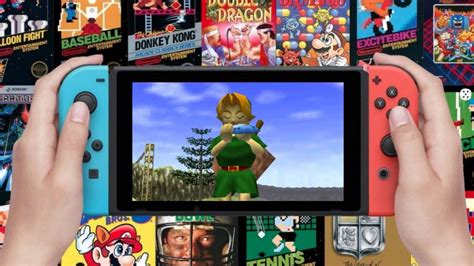
Maximizing Storage for Indie Titles
Indie games are a cornerstone of the Switch’s appeal, often offering unique experiences that fit perfectly with portable play. While individual indie titles are typically smaller, collecting dozens or even hundreds of them can quickly consume storage. A larger capacity SD card (512GB or even 1TB) becomes incredibly valuable here, allowing you to curate a vast digital library of your favorite hidden gems without compromise. You’ll spend less time managing storage and more time playing.
Installation and Management Tips
- Installation: Power off your Switch completely before inserting the microSD card into the slot under the kickstand.
- Formatting: The Switch will typically format the card automatically upon first insertion. If not, you can do it manually via System Settings > System > Formatting Options > Format microSD Card.
- Moving Games: While you can’t move existing eShop games from internal memory to the SD card directly, you can archive them and redownload them directly to the SD card. New downloads will automatically go to the SD card if one is present.
- Physical vs. Digital: Even physical cartridge games often require downloadable updates and DLC, which will consume SD card space.

Conclusion: Invest in Your Gaming Future
Investing in a high-quality, high-capacity microSD card is one of the best upgrades you can make for your Nintendo Switch. It liberates you from storage constraints, allowing you to build an expansive digital library of both AAA blockbusters and the countless, captivating indie titles that make the Switch so special. Choose wisely based on your budget and gaming habits, and enjoy uninterrupted gaming for years to come.


