





Best microSD for Switch: balancing storage, speed, and budget for games?
Why a microSD Card is Essential for Your Nintendo Switch
The Nintendo Switch, while a fantastic console, comes with limited internal storage—just 32GB for the standard model and 64GB for the OLED version. Given that many modern games can easily exceed 10GB, and digital downloads are increasingly popular, this space fills up remarkably fast. A microSD card isn’t just an accessory; it’s a necessity for any serious Switch gamer looking to expand their digital library without constantly deleting and redownloading titles. But with a myriad of options available, how do you pick the right one?
This guide will walk you through the critical factors—storage capacity, speed, and budget—to help you make an informed decision and ensure your gaming experience remains smooth and uninterrupted.
Understanding Storage Capacity Needs
The first question most players ask is: “How much storage do I need?” The answer largely depends on your gaming habits. If you primarily buy physical game cartridges, you’ll still need some space for game updates, DLC, and save data, but significantly less than someone who prefers digital downloads from the eShop.
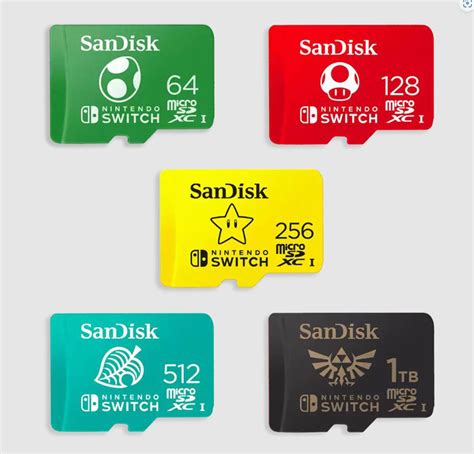
- 64GB-128GB: Suitable for casual gamers or those who mostly buy physical games and only download a few digital titles or smaller indie games.
- 256GB-512GB: The sweet spot for most gamers. This range offers ample space for a substantial digital library, including several AAA titles, without breaking the bank. It provides a good balance between cost and future-proofing.
- 1TB or More: For the dedicated digital collector who wants every game available at their fingertips without ever worrying about storage. While more expensive, it offers unparalleled convenience and peace of mind.
Consider future game releases and the ever-growing size of updates. It’s often wise to invest in slightly more capacity than you think you need right now.
Why Speed Matters: Read/Write Performance
Storage capacity isn’t the only factor; the speed of your microSD card directly impacts game loading times, data transfers, and overall system responsiveness. Key metrics to look for include:
- Read Speed: How quickly the Switch can access data from the card. This is crucial for loading games and levels. Look for cards with read speeds of 100MB/s or higher.
- Write Speed: How quickly the Switch can write data to the card (e.g., saving game progress, downloading updates). While less critical than read speed for everyday gaming, it still contributes to overall performance.
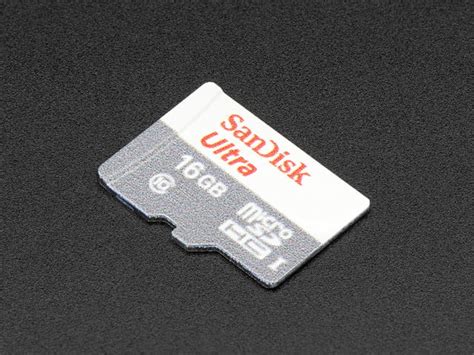
- UHS Speed Class (U1, U3): U1 cards offer a minimum write speed of 10MB/s, while U3 cards guarantee a minimum of 30MB/s. For the Switch, a U3 card is generally recommended for optimal performance.
- Application Performance Class (A1, A2): These ratings indicate how well a card handles random read/write operations, which is important for running applications directly from the card. While the Switch doesn’t fully leverage A2’s advanced features, both A1 and A2 cards offer good general performance.
A faster card translates to less waiting and more playing, making the slight price difference often worthwhile.
Balancing Performance with Your Budget
Ultimately, your budget will play a significant role in your decision. While it’s tempting to go for the cheapest option, extreme budget cards might compromise on speed or reliability. Conversely, the most expensive, fastest 1TB card might be overkill for your needs.
- Entry-Level (Budget-Conscious): For around $15-$30, you can find reliable 128GB-256GB cards from reputable brands that offer U1/A1 speeds. These are perfectly adequate for many users.
- Mid-Range (Best Value): In the $30-$70 range, you can typically snag 256GB-512GB cards with U3/A1 or even A2 ratings. This category often provides the best balance of speed, capacity, and price per gigabyte.
- Premium (No Compromise): Beyond $70, you’re looking at 512GB-1TB+ cards, usually with top-tier U3/A2 ratings and the fastest possible read/write speeds. These are for those who demand the absolute best performance and maximum storage.
Look out for sales, especially around major shopping holidays, as microSD cards frequently go on discount.
Choosing Reputable Brands and Installation Tips
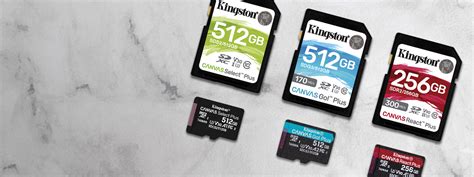
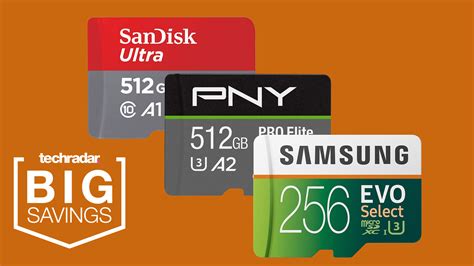
Stick to well-known brands like SanDisk, Samsung, Western Digital, Lexar, and Kingston. These brands are known for their reliability, performance, and often come with good warranties. Beware of suspiciously cheap, unbranded cards, as they often have inflated capacity claims or poor performance.
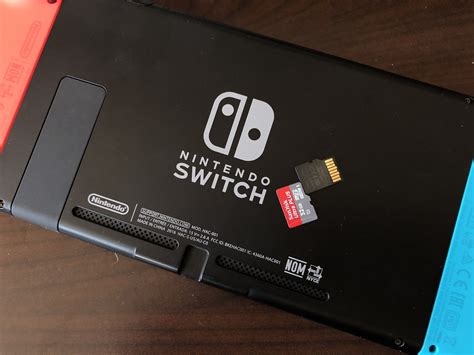
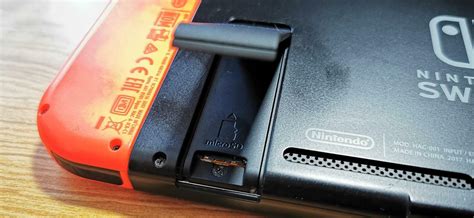
Installing a microSD card is simple: just open the kickstand on the back of your Switch and slide the card into the slot until it clicks. The Switch will automatically recognize it. You can move existing games and data to the new card through the system settings, and future downloads will automatically go to the microSD card.
Conclusion: Finding Your Ideal Switch Storage Solution
Selecting the best microSD card for your Nintendo Switch doesn’t have to be overwhelming. By carefully considering your personal gaming habits for storage capacity, prioritizing U3/A1 or A2 speeds for optimal performance, and setting a realistic budget, you can find a card that perfectly fits your needs. Investing in a quality microSD card ensures your Switch remains a versatile and enjoyable gaming platform, allowing you to focus on playing your favorite titles rather than managing storage space.


