Tips to minimize mobile game data usage on limited plans?

Conquering Mobile Gaming on a Tight Data Budget
Mobile gaming is an incredibly popular pastime, offering entertainment on the go. However, for those on limited data plans, the joy of gaming can quickly turn into anxiety over exceeding data limits. Games, especially graphically intensive or online multiplayer titles, can be significant data hogs. But fear not, strategic planning and smart settings can help you enjoy your favorite mobile games without constantly worrying about your data cap.
Maximize Your Wi-Fi Connection
This is arguably the most crucial tip. Whenever possible, connect to a stable Wi-Fi network. This isn’t just for gameplay, but for several other data-intensive activities related to mobile games:
- Game Downloads and Updates: Never download new games or major updates over cellular data. These files can often be several gigabytes in size, obliterating your data plan in minutes. Set your device to only download apps and updates via Wi-Fi.
- First-Time Game Launch: Many games require additional data downloads the first time you launch them after installation. Ensure you’re on Wi-Fi for this initial setup.
- Online Multiplayer Sessions: For games like PUBG Mobile, Call of Duty Mobile, or Genshin Impact, online play constantly exchanges data. Reserve these sessions for when you have a strong Wi-Fi connection.
Check In-Game Settings for Data Savers
Many modern mobile games offer settings to help reduce data consumption. Dive into the game’s options menu:
- Graphics Quality: Lowering graphics settings (e.g., from ‘Ultra’ to ‘Medium’ or ‘Low’) can sometimes reduce the amount of data transferred, especially in games that stream assets.
- Download Quality: Some games allow you to choose to download lower-resolution asset packs. While this might slightly impact visual fidelity, it can save significant data.
- Background Downloads: Disable any options for games to download content in the background when not actively playing.

Embrace Offline Mobile Gaming
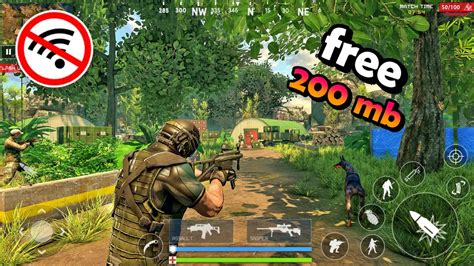
The best way to save data is to not use any at all! There’s a vast library of excellent mobile games that require no internet connection after their initial download.
- Single-Player Story Games: Many adventure, puzzle, and RPG titles are designed for offline play. Look for games specifically advertised as “offline games” or “no Wi-Fi needed.”
- Pre-Download Content: Even some online games offer modes or sections that can be pre-downloaded and played offline. Explore these options if available.
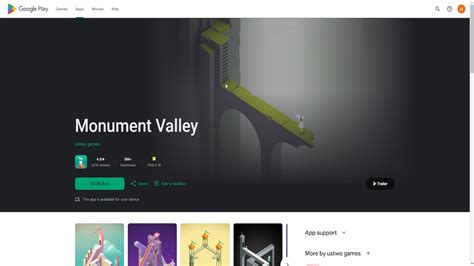
- Examples: Minecraft (offline mode), Stardew Valley, Alto’s Odyssey, Limbo, Monument Valley, and many puzzle games are fantastic offline choices.
Monitor and Control Your Device’s Data Usage
Your smartphone has built-in tools to help you keep tabs on data consumption.
- Operating System Data Monitor: Both Android and iOS have detailed data usage trackers. Go to your phone’s settings (e.g., ‘Network & Internet’ > ‘Data Usage’ on Android, or ‘Cellular’ on iOS) to see which apps are consuming the most data.
- Restrict Background Data: Identify games or other apps that use data in the background and restrict their access to cellular data. This prevents them from updating or syncing when you’re not actively using them.
- Data Saver Mode: Enable your phone’s built-in Data Saver or Low Data Mode. This can automatically restrict background data for all apps and even compress web traffic.
Manage Background Apps and Notifications
Even if you’re not actively playing, games can still consume data.
- Close Apps: Fully close games when you’re done playing them, rather than just minimizing them. This prevents them from running processes in the background that might use data.
- Disable Push Notifications: While seemingly small, notifications for game events, offers, or reminders can still trigger data usage. Turn off notifications for games where it’s not essential.

Conclusion: Play Smart, Not Hard on Your Data
By implementing these tips, you can significantly reduce your mobile game data consumption and enjoy your favorite titles without the constant fear of overage charges. Prioritize Wi-Fi for all major game-related activities, delve into game and device settings, and don’t underestimate the joy of offline gaming. A little data management goes a long way in ensuring your gaming adventures remain fun and affordable.