What’s the best way to explain complex game mechanics to absolute beginners?

The Challenge: Bridging the Knowledge Gap for New Players
Many beloved games boast incredible depth and intricate systems that offer endless hours of engagement for seasoned players. However, these very complexities can be an insurmountable barrier for absolute beginners. Dropping a novice into a game with a dense UI, obscure stats, and a myriad of interacting systems without proper guidance is a surefire way to overwhelm and alienate them. The goal isn’t to dumb down the game, but to illuminate its brilliance in an accessible manner.
The art of explaining complex game mechanics lies in empathy for the new player. They don’t yet understand the ‘why’ behind actions, nor do they grasp the long-term consequences of early decisions. A good explanation demystifies the game, transforming potential frustration into curiosity and eventual mastery.

Core Principles for Effective Explanation
1. Start with the “Why,” Not Just the “How”
Before diving into button presses or specific menu navigations, explain the purpose of a mechanic. Why is resource management important? What strategic advantage does a certain unit provide? Understanding the ‘why’ provides context and motivation, making the ‘how’ much easier to absorb. Connect actions to immediate, tangible outcomes for the player.
2. Break It Down: The Layered Approach
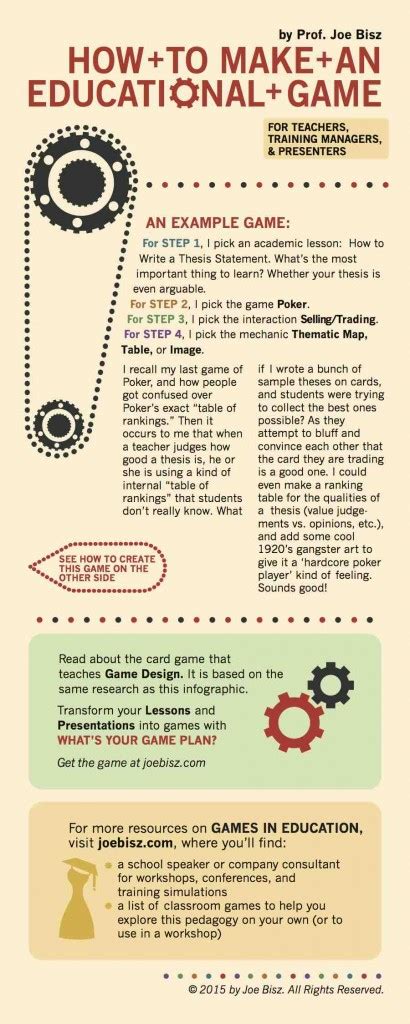
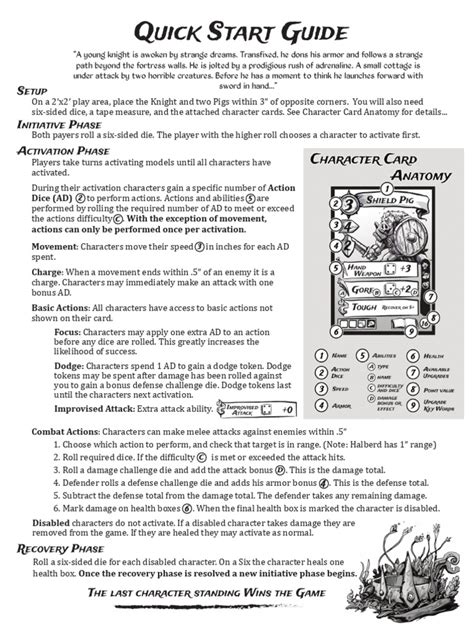
Complex systems are rarely understood all at once. Instead, introduce mechanics in small, digestible chunks, building complexity layer by layer. Start with the absolute fundamentals – movement, basic interaction, core objective – and gradually introduce more advanced concepts like resource management, combat systems, or skill trees only as the player demonstrates readiness or reaches a relevant point in the game. Avoid information dumps at all costs.
3. Use Analogies and Real-World Comparisons
The human brain loves to make connections to existing knowledge. Leverage this by using simple, relatable analogies from everyday life or other familiar media. For instance, explaining a stealth system by comparing it to ‘hide-and-seek’ or an economy system to ‘running a small business’ can instantly click with a beginner, providing a mental shortcut to understanding the core concept.
4. Show, Don’t Just Tell: Visuals and Interaction
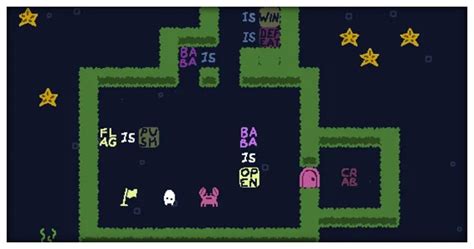
Reading a manual is one thing; experiencing it is another. Integrate visual aids directly into the game. Use highlighted UI elements, animated arrows, short video clips, or contextual pop-ups. Most importantly, allow the player to immediately practice the mechanic. Interactive tutorials where players perform the action themselves solidify understanding far more effectively than passive instruction.

5. Contextual Learning: Explain When It Matters
Information overload is a real threat. Introduce mechanics only when they become relevant to the player’s current situation or objective. Don’t explain advanced crafting before the player has even gathered basic resources. This ensures the information is immediately actionable and prevents the player from forgetting details they learned hours before they could apply them.
6. Repetition and Reinforcement
A single explanation might not be enough. Gentle reminders, small challenges designed to reinforce specific mechanics, and opportunities to revisit tutorial information can be very helpful. As players progress, the game can subtly reintroduce concepts in new, more complex scenarios, slowly deepening their understanding.

Practical Techniques to Implement
- Guided Tutorials: Hands-on, step-by-step sequences that lead players through core mechanics.
- Interactive Tooltips: On-demand explanations for UI elements or items when hovered over.
- Dynamic Hints: Context-sensitive pop-ups that appear when a player is struggling or could benefit from a specific action.
- Practice Modes/Sandboxes: Dedicated areas where players can experiment with mechanics without pressure.
- Clear Visual Language: Consistent use of color, icons, and animations to convey information without text.
Conclusion: Patience and Player Empathy
Explaining complex game mechanics to absolute beginners is an ongoing design challenge that requires patience and a deep understanding of the new player experience. By breaking down information, providing context, using clear visuals and analogies, and offering immediate opportunities for interaction, game designers can transform what might seem like an impenetrable fortress into an exciting new world waiting to be explored. A well-explained game isn’t just easier to learn; it’s more rewarding and inclusive for everyone.