





How to expand console storage for a growing game collection on Switch & others?
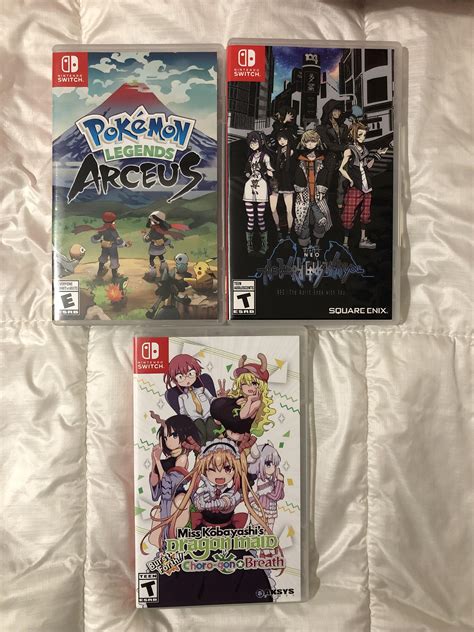
The Ever-Growing Digital Library: Why Expand Console Storage?
As game file sizes continue to swell and digital libraries become the norm, many console owners quickly find themselves facing the dreaded “insufficient storage” message. Whether you’re a Nintendo Switch aficionado, a PlayStation 5 enthusiast, or an Xbox Series X|S devotee, expanding your console’s storage is almost a necessity for any avid gamer. Thankfully, each platform offers viable, albeit different, solutions to keep your burgeoning game collection accessible.
Nintendo Switch: The MicroSD Solution
The Nintendo Switch, with its modest internal storage (32GB for the original/Lite, 64GB for the OLED model), is perhaps the console most in need of an upgrade. Its solution is simple and relatively inexpensive: microSD cards. The Switch supports microSD, microSDHC, and microSDXC cards, with capacities up to 2TB (though 1TB is currently the largest commercially available). Look for cards with a high read speed (UHS-I compatible, Class 10 or higher) for optimal game loading times.
Installation is incredibly straightforward: simply insert the microSD card into the slot hidden beneath the kickstand (original/OLED) or on the bottom edge (Lite). The system will automatically detect and begin using it for new downloads. You can also transfer existing game data from the internal storage to the microSD card through the system settings.

PlayStation 5: M.2 SSD Expansion
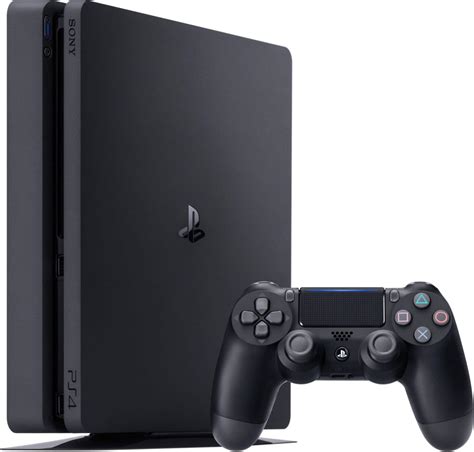
The PlayStation 5 comes with a speedy 825GB SSD, but only about 667GB is usable after system software. For PS5 games, you’ll need to expand with a compatible M.2 NVMe SSD. Sony provides an expansion slot, but there are strict requirements:
- Interface: PCIe Gen4 x4 M.2 NVMe SSD
- Capacity: 250 GB – 4 TB
- Read Speed: 5,500MB/s or faster recommended
- Form Factor: M.2 Type 2230, 2242, 2260, 2280, 22110
- Heatsink: A heatsink is absolutely essential to prevent thermal throttling and maintain performance. Many compatible drives come with one pre-installed.
Installing an M.2 SSD requires a Phillips screwdriver and a bit of care, involving removing the console’s side cover to access the expansion slot. Once installed, the PS5 will format it, making it ready for your PS5 and PS4 games.
Xbox Series X|S: Proprietary Expansion & External Drives
The Xbox Series X and Series S offer different internal storage (1TB and 512GB respectively) but share a common expansion solution for current-gen titles: the Seagate Storage Expansion Card. This proprietary card plugs into a dedicated port on the back of the console and offers identical performance to the internal SSD, allowing you to play Series X|S optimized games directly from it. These cards are convenient but often carry a higher price tag than standard M.2 SSDs.
For older Xbox One, Xbox 360, and original Xbox games, or for simply storing Series X|S games that you’re not actively playing (and then transferring them to the internal or expansion card when you want to play), an external USB 3.0 HDD or SSD can be used. These are significantly cheaper, but you cannot play optimized Series X|S games directly from them.
![[Updated] Microsoft Announces Xbox One X At E3 2017; Releases On ...](/images/aHR0cHM6Ly90czMubW0uYmluZy5uZXQvdGg/aWQ9T0lQLm9lYzcxLUhvV1BlTGtyLW8wU2hmelFIYUVHJnBpZD0xNS4x.webp)
General Tips for Storage Management
Beyond simply adding more storage, smart management can also go a long way:
- Delete Unused Games: It sounds obvious, but regularly check your installed games and uninstall titles you’ve finished or no longer play. You can always re-download them later.
- Utilize Cloud Saves: Ensure your game saves are backed up to the cloud (requires respective subscription services like Nintendo Switch Online, PlayStation Plus, Xbox Game Pass Ultimate).
- Prioritize Digital vs. Physical: While physical games still require installation data, they often take up less space than their digital counterparts as some assets are read directly from the disc.
- Check Game Sizes: Before downloading, always check a game’s file size. Some major titles can consume over 100GB.
Choosing the Right Storage for You
When selecting your storage solution, consider your budget, the amount of space you anticipate needing, and the performance requirements of your primary games. For the Switch, a fast 256GB-512GB microSD card is a great starting point. PS5 and Xbox Series X|S owners should weigh the cost of high-speed M.2 NVMe SSDs or proprietary expansion cards against the convenience and performance benefits they offer for current-gen titles.
Conclusion
No matter your console of choice, expanding your storage is an inevitable step for modern gamers. By understanding the specific solutions available for the Nintendo Switch, PlayStation 5, and Xbox Series X|S, you can proactively manage your game library and ensure you always have room for the next big adventure. Investing in the right storage now will save you countless hours of deleting, re-downloading, and managing your precious digital collection later.



