





How can I fix Joy-Con drift on my Nintendo Switch console?
Understanding and Addressing Joy-Con Drift
Joy-Con drift is a common and frustrating problem for many Nintendo Switch owners. It occurs when your controller registers movement even when you aren’t touching the analog stick, leading to phantom character movements, menu scrolling, or uncontrolled camera angles. This issue can stem from software glitches, accumulated dust and debris, or wear and tear on the internal components. Fortunately, there are several steps you can take to diagnose and potentially fix the problem.
Step 1: Update Your System and Controllers
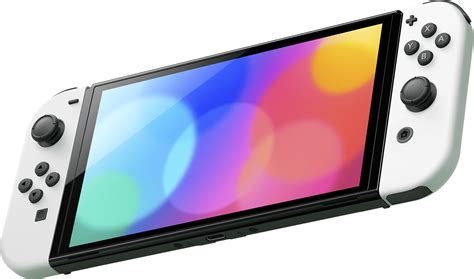
Before diving into more complex solutions, ensure your Nintendo Switch system and Joy-Cons are running the latest firmware. Software bugs can sometimes cause or exacerbate controller issues, and a simple update might resolve the problem.
- Update Nintendo Switch System Software: Go to System Settings > System > System Update.
- Update Joy-Con Firmware: Connect your Joy-Cons to the console. Go to System Settings > Controllers and Sensors > Update Controllers.
Step 2: Calibrate Your Control Sticks
Calibration is a crucial step that can often correct minor drift issues by resetting the controller’s perception of its neutral position. Each Joy-Con stick needs to be calibrated individually.
- From the HOME Menu, select System Settings > Controllers and Sensors > Calibrate Control Sticks.
- Tilt the control stick in a full circle a few times, then release it to the neutral position.
- Follow the on-screen prompts to check the input and calibrate if necessary. Pay close attention to the ‘+’ symbol staying centered when the stick is at rest.
Step 3: Clean Under the Control Stick
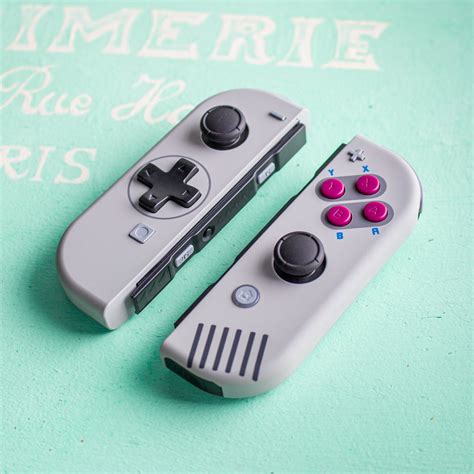
Dust, dirt, or other tiny particles can easily get trapped under the rubber boot of the analog stick, interfering with its sensors and causing drift. This is a common mechanical cause and often fixable with a simple cleaning.
- Use Compressed Air: Gently lift the rubber skirt around the base of the analog stick. Spray short bursts of compressed air into the opening from different angles. This helps dislodge any trapped debris.
- Use Isopropyl Alcohol: For a more thorough clean, you can carefully apply a small amount of 90%+ isopropyl alcohol (using a cotton swab or dropper) under the rubber skirt. Work the stick around after applying to help the alcohol penetrate and clean the contacts. Allow it to dry completely before use.
Be gentle when cleaning and avoid excessive force or moisture that could damage internal components.

Step 4: Consider DIY Repair (Replacing the Analog Stick)
If software fixes and cleaning don’t resolve the drift, the internal analog stick module may be worn out and require replacement. This is a more advanced DIY solution and should only be attempted if you are comfortable with small electronics repair. Replacement kits, including tools and new stick modules, are readily available online.
Disclaimer: Opening your Joy-Cons will likely void your warranty with Nintendo. Proceed with caution and at your own risk. There are many excellent video tutorials online that can guide you through the process step-by-step.

Step 5: Contact Nintendo Support for Professional Repair
If all else fails, or if you prefer not to attempt a DIY repair, Nintendo offers official repair services for Joy-Con drift. In many regions, Nintendo has extended its warranty or offers free repairs for Joy-Con drift, even if your console is out of its standard warranty period, due to the widespread nature of the issue. It’s always best to check their current policy.
- Visit the official Nintendo Support website for your region.
- Navigate to the Repair & Service section.
- Follow the instructions to initiate a repair request, which typically involves describing the issue and shipping your Joy-Cons to a service center.
This is often the most reliable way to ensure your Joy-Cons are fixed correctly and to avoid further damage.
Prevention Tips
While Joy-Con drift can be difficult to prevent entirely, you can take steps to minimize the risk:
- Store your Switch and Joy-Cons in a clean, dust-free environment.
- Avoid excessive force or aggressive movements with the analog sticks during gameplay.
- Consider using a protective case for your Switch, especially when traveling.
By following these steps, you have a good chance of resolving your Joy-Con drift issues and getting back to an uninterrupted gaming experience on your Nintendo Switch.


