How to free up storage space on Nintendo Switch for more digital games?
Discover effective methods to free up valuable storage space on your Nintendo Switch, allowing you to download and enjoy more digital games without hassle.
Running out of space on your Nintendo Switch is a common problem, but several straightforward methods can help you free up room for new digital titles and updates.
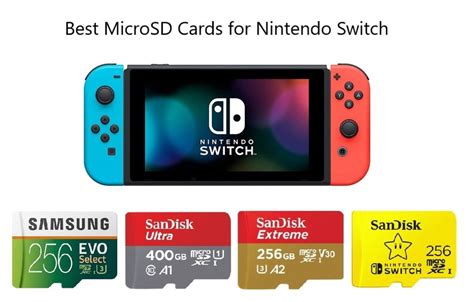
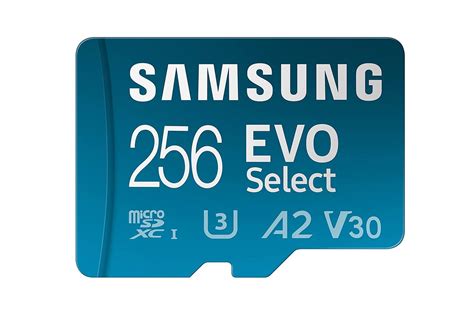
To prevent game slowdowns and ensure smooth performance on your Nintendo Switch, selecting a high-speed microSD card with specific technical specifications like UHS-I (U3) and a good A2 rating is paramount.
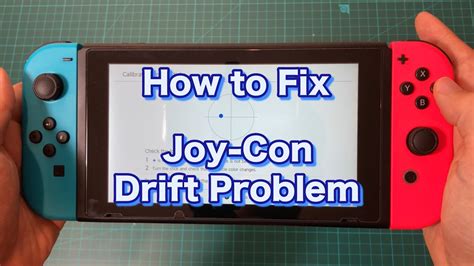
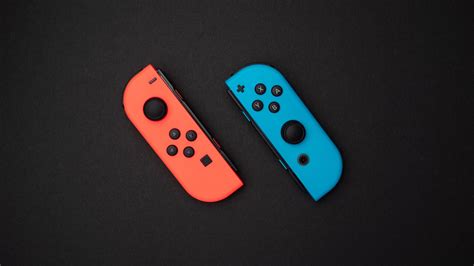
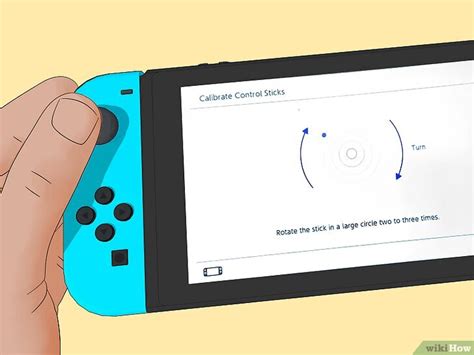
Learn effective methods to troubleshoot, prevent, and fix frustrating Joy-Con drift issues on your Nintendo Switch, from simple calibration to advanced repairs.
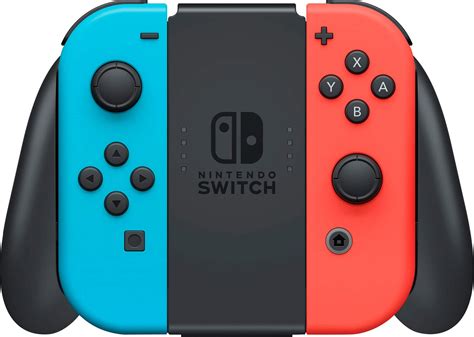
New console players can significantly enhance their gaming experience and protect their investment with a few essential accessories, from controllers and screen protectors to expanded storage and quality headsets.
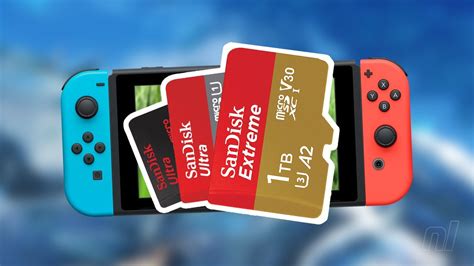
Choosing the right SD card for your Nintendo Switch is crucial for managing game downloads and ensuring smooth gameplay, requiring careful consideration of capacity, speed, and type.
Discover the best ways to expand your game library on PS5, Xbox Series X|S, and Nintendo Switch by comparing the performance, cost, and compatibility of NVMe SSDs, proprietary expansion cards, and microSD cards.
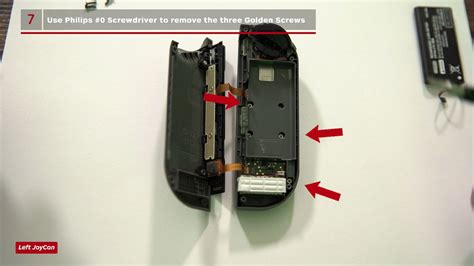
Learn how to quickly diagnose and fix Nintendo Switch Joy-Con drift at home using simple software adjustments, cleaning techniques, or even a DIY module replacement.
Learn practical tips and essential accessories to significantly extend your Nintendo Switch’s battery life, ensuring uninterrupted gaming during long journeys.
Running out of storage on your Nintendo Switch can be frustrating, but there are several effective ways to free up space for new games, from archiving software to utilizing a microSD card.