





Best Switch SD card for varied game sizes? Capacity vs. speed explained.

Why Your Nintendo Switch Needs an SD Card
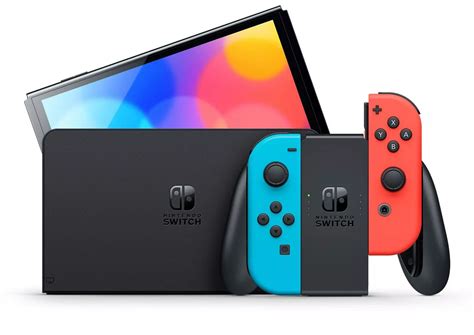
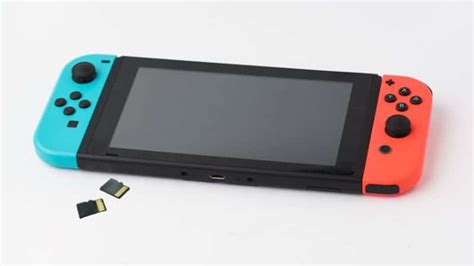
The Nintendo Switch, while a fantastic portable console, comes with limited internal storage—just 32GB for the standard model and 64GB for the OLED version. Considering operating system files consume a portion of this, the actual usable space for games, updates, and DLCs is even less. With many popular digital titles exceeding 10GB, and some blockbuster games like The Legend of Zelda: Tears of the Kingdom nearing 18GB, an SD card is not just an accessory; it’s a necessity for any serious Switch owner. It expands your digital library, allowing you to carry dozens of games without constantly deleting and re-downloading.
Understanding Switch Game Sizes: Why “Varied” Matters
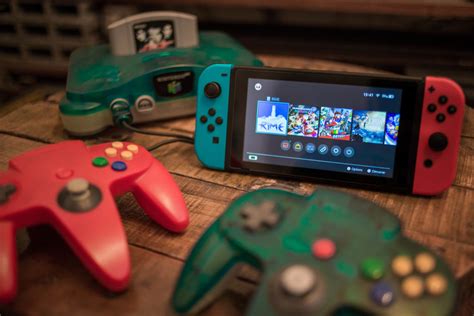
Nintendo Switch game sizes can vary wildly. Small indie titles might be under 1GB, while many first-party Nintendo games are in the 5-15GB range. Third-party AAA ports can sometimes hit 20-30GB or even require significant external downloads even with a physical cartridge. If you prefer digital downloads, or simply want to keep a large collection of games ready to play, you’ll quickly fill up the internal storage. A varied game library means you need an SD card that can comfortably accommodate several large titles alongside numerous smaller ones, future proofing your console for new releases.
Capacity: How Much Space Do You Really Need?
When it comes to capacity, bigger is almost always better, especially given the decreasing cost per gigabyte of microSD cards. Here’s a general guideline:
- 64GB-128GB: Suitable for very casual gamers who mostly buy physical cartridges and only download a few smaller digital titles or DLC. This will fill up quickly.
- 256GB: A good starting point for most gamers. It allows for a decent mix of large and small digital games, plus system updates. You’ll likely fit 10-20 AAA-sized games or many more smaller ones.
- 512GB: The sweet spot for many digital-heavy gamers. This capacity provides ample room for a substantial library, including several major titles, without feeling constantly constrained. You could comfortably store 30-50+ games depending on their size.
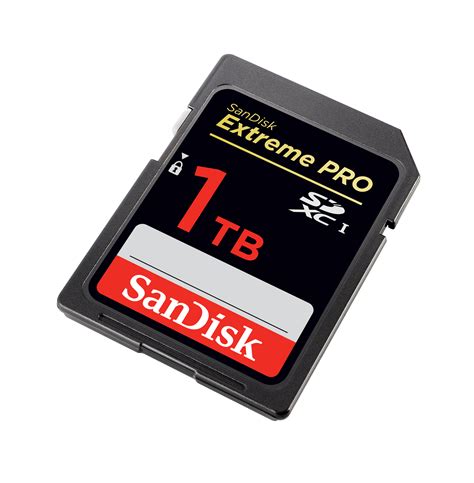
- 1TB: Ideal for hardcore digital collectors or those who want to download virtually every game they own. While the most expensive option, it offers ultimate peace of mind regarding storage space for years to come.
Speed: Decoding UHS-I, U1, U3, A1, A2
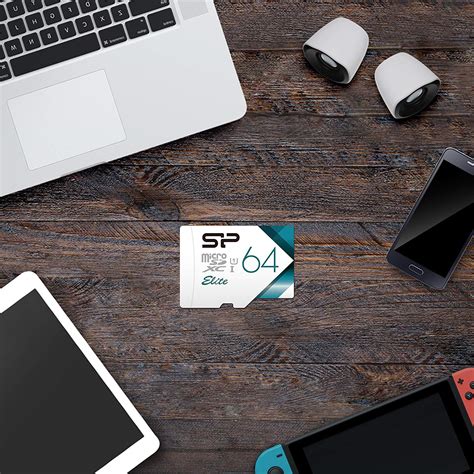
While capacity gets most of the attention, speed is crucial for game load times and overall performance. The Nintendo Switch supports UHS-I (Ultra High Speed Phase I) microSD cards. It does not support the faster UHS-II cards, so don’t overspend on them as you won’t get the benefit.
- UHS Speed Class (U1, U3): Indicates minimum sequential write speeds. U1 guarantees 10MB/s, while U3 guarantees 30MB/s. For the Switch, U3 is generally preferred for smoother performance, though U1 is technically sufficient.
- Application Performance Class (A1, A2): This rating is important for running apps (which games essentially are) directly from the card. A1 guarantees a minimum random read of 1500 IOPS and random write of 500 IOPS. A2 significantly boosts these to 4000 IOPS random read and 2000 IOPS random write. While the Switch doesn’t fully utilize A2’s raw potential, A1/A2 rated cards are often premium UHS-I cards and tend to perform better overall for gaming due to their superior random read/write speeds, which are vital for game assets.
The takeaway: Look for a microSDXC card (the Switch also supports microSDHC, but SDXC cards offer higher capacities) that is UHS-I compliant and ideally rated U3 and/or A1/A2 for the best performance. These cards typically offer read speeds between 90-100MB/s, which is close to the Switch’s maximum input/output limit.
The Sweet Spot: Balancing Capacity and Speed
For most Switch users, the ideal SD card strikes a balance between a generous capacity and optimal speed. You don’t need the absolute fastest card on the market if the Switch can’t fully leverage it, but you also don’t want a slow card that leads to frustrating load times.
- Recommended brands: Stick to reputable brands like SanDisk, Samsung, or Lexar. They offer reliable performance and come with warranties.
- For general use (mixed digital/physical): A 256GB or 512GB UHS-I U3 A1 card is usually the best value. It offers excellent storage and speeds that the Switch can fully utilize, providing a smooth gaming experience without breaking the bank.
- For digital-only enthusiasts: Consider a 512GB or even 1TB UHS-I U3 A1/A2 card. The extra capacity is invaluable, and the enhanced random read/write performance of A1/A2 cards, while not fully exploited, does contribute to overall snappiness.
Remember that even with an ultra-fast SD card, some load times are inherent to the game’s design or the Switch’s hardware. However, a good quality, adequately speedy card will ensure you’re getting the best possible performance your console can deliver.
Top Recommendations for Every Gamer
Casual Gamer (Mostly Physical, Few Digital):
- Capacity: 128GB – 256GB
- Speed: UHS-I, U1 or U3. A1 is a bonus.
- Example: SanDisk Ultra microSDXC 128GB A1 U1
Moderate Gamer (Mix of Physical & Digital):
- Capacity: 256GB – 512GB
- Speed: UHS-I, U3 is highly recommended. A1 is ideal.
- Example: SanDisk Extreme microSDXC 400GB A2 U3
Hardcore Digital Gamer (Large Digital Library):
- Capacity: 512GB – 1TB
- Speed: UHS-I, U3 and A2 for the best possible experience.
- Example: SanDisk Extreme microSDXC 1TB A2 U3
Conclusion
Choosing the best SD card for your Nintendo Switch boils down to understanding your gaming habits and finding the right balance between capacity and speed. For most users, a 256GB or 512GB UHS-I U3 A1 microSDXC card from a reputable brand offers the best blend of value, storage, and performance. This will ensure you have plenty of room for your varied game library and enjoy quick load times, keeping you immersed in the fun without storage woes.


