Which microSD card offers optimal Switch storage and speed for games?
The Nintendo Switch, a revolutionary hybrid console, offers incredible versatility, but its internal storage often proves to be a significant limitation. With a mere 32GB (or 64GB for the OLED model), a substantial portion of which is reserved for the system, digital game downloads and updates can quickly exhaust available space. This makes a microSD card not just an accessory, but an essential upgrade for any serious Switch gamer. But with a plethora of options on the market, how do you choose the one that provides optimal storage and speed?
Why Expand Your Switch’s Storage?
Many popular Switch games, even physical cartridge versions, require substantial downloads for updates, DLC, or entire game installations if you prefer digital copies. Titles like The Legend of Zelda: Tears of the Kingdom, Pokémon Scarlet and Violet, or Fortnite can easily consume several gigabytes each. Relying solely on the internal memory will quickly lead to tough decisions about which games to uninstall. A quality microSD card seamlessly expands this capacity, allowing you to keep dozens of games ready to play without interruption.
Understanding MicroSD Card Specifications
Choosing the right microSD card involves more than just picking the largest capacity. Speed specifications are equally, if not more, important for a smooth gaming experience. Here’s what to look for:
Capacity: How Much Space Do You Really Need?
- 64GB-128GB: Suitable for casual gamers who primarily buy physical games and download only a few digital titles or DLCs.
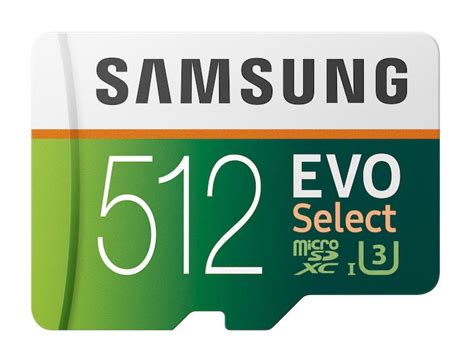
- 256GB-512GB: The sweet spot for most gamers. This range offers a good balance of capacity and cost, allowing for a substantial digital library.
- 1TB or More: Ideal for digital-only gamers, those with extensive game collections, or users who want to future-proof their storage for years to come. While 1TB cards offer maximum peace of mind, they come at a premium.
Speed: The Key to Faster Load Times
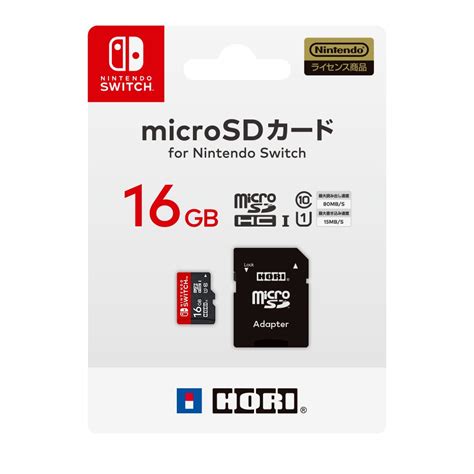
The Nintendo Switch supports UHS-I microSD cards, which means you don’t need to splurge on the faster, more expensive UHS-II cards as the console won’t fully utilize their speed. Here are the key speed ratings to consider:
- UHS Speed Class (U1 vs. U3): U3 cards offer a minimum sequential write speed of 30MB/s, compared to U1’s 10MB/s. For gaming, U3 is highly recommended for faster game loading and smoother performance. Many U3 cards also carry a V30 rating (Video Speed Class 30), indicating suitability for 4K video recording, which also translates well to game performance.
- Application Performance Class (A1 vs. A2): This rating indicates how well a card handles random read/write operations, which are crucial for running applications (like games) directly from the card. A1 cards offer a minimum of 1,500 random read IOPS and 500 random write IOPS. A2 cards are significantly faster, providing 4,000 random read IOPS and 2,000 random write IOPS. While the Switch may not fully leverage A2’s peak theoretical speeds, many users report noticeable improvements in game loading and overall responsiveness with A2-rated cards.
Optimal Speed Recommendations for Switch Gaming
For the best balance of performance and cost for your Nintendo Switch, look for a microSD card that is:
- UHS-I compatible
- U3 (V30) rated
- A2 rated (if budget allows, otherwise A1 is still good)
These specifications ensure that your games load quickly and run smoothly, minimizing wait times and enhancing your gaming experience.
Top MicroSD Card Brands for Nintendo Switch
Several reputable brands offer excellent microSD cards that meet the Switch’s requirements. Some popular and reliable choices include:
- SanDisk: Widely recognized, SanDisk offers officially licensed Nintendo Switch microSD cards, which are essentially their Extreme or Ultra lines rebranded, guaranteeing compatibility and performance. Their non-licensed Extreme and Ultra Plus cards are also excellent choices.
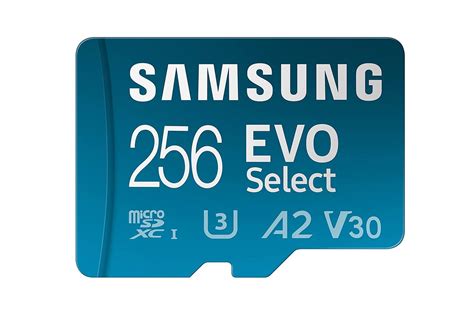
- Samsung: The Samsung EVO Select and EVO Plus series are consistently praised for their reliability, speed, and value.
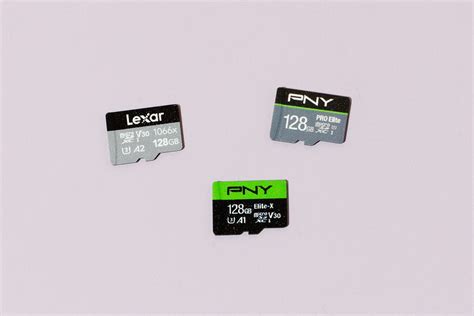
- Lexar: Known for their high-performance memory solutions, Lexar offers several suitable options for the Switch.
- Kingston: A long-standing memory manufacturer, Kingston provides dependable microSD cards that work well with the Switch.
Installation and Management Tips
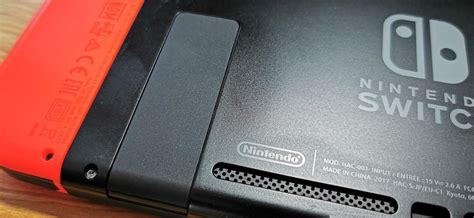
Installing a microSD card in your Switch is straightforward: simply open the kickstand on the back of the console and slide the card into the slot. The Switch will automatically recognize it. If you’re upgrading from an older, smaller card, you can easily transfer your data by copying the contents of the old card to your computer, then copying them to the new card, or by using the Switch’s data management options to archive and redownload games directly to the new card.
The Verdict: Your Optimal Switch Storage Solution
To summarize, the optimal microSD card for your Nintendo Switch will be a UHS-I U3 (V30) A2-rated card from a reputable brand like SanDisk or Samsung, with a capacity of 256GB or 512GB for most gamers. This combination provides the best balance of storage space, fast loading times, and overall value, ensuring that your Switch gaming experience remains fluid and enjoyable for years to come.