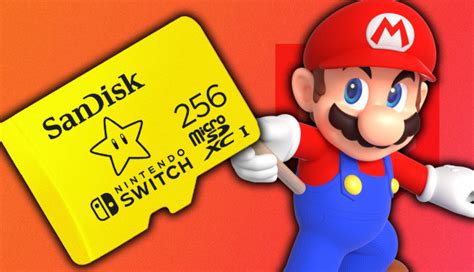




What’s the best SD card for Switch storage & faster game loading?
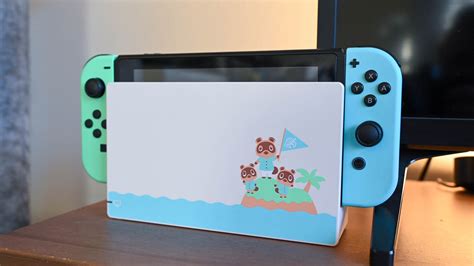
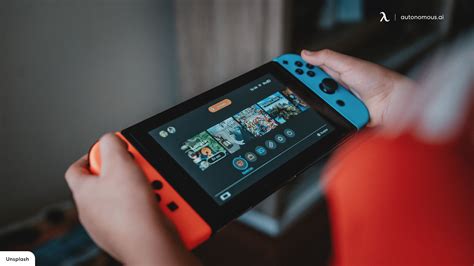
The Nintendo Switch is a fantastic console, offering unparalleled flexibility to play on the go or docked at home. However, its internal storage is notoriously limited, with only 32GB (or 64GB for the OLED model), much of which is taken up by the system itself. This makes an external SD card an absolute necessity for anyone planning to download multiple digital games, DLC, or even system updates.
Why an SD Card is Crucial for Your Switch
While physical game cartridges are great for collectors, the convenience of digital downloads is undeniable. Large games like The Legend of Zelda: Tears of the Kingdom or Pokémon Scarlet and Violet can easily consume significant chunks of internal storage. An SD card not only expands your storage capacity but can also surprisingly offer faster loading times for digital games compared to the Switch’s internal memory, provided you choose the right one.
Understanding SD Card Types and Key Specifications
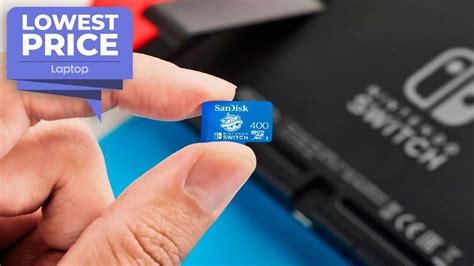
When selecting an SD card for your Switch, not all cards are created equal. You need a microSD card (the smallest form factor), and there are specific metrics to consider for optimal performance.
Capacity: How Much Do You Really Need?
SD cards for the Switch can range from 32GB all the way up to 2TB (though 1TB is currently the largest widely available and practical option). Your choice here depends heavily on your gaming habits:
- 64GB-128GB: Suitable for casual gamers who primarily buy physical cartridges but want space for a few digital titles and DLC.
- 256GB-512GB: A popular sweet spot for most digital-first gamers, offering ample space for a substantial library of games.
- 1TB: For hardcore digital collectors or those who want to future-proof their console for years to come without worrying about storage limits.
Remember that games continue to grow in size, so it’s often wise to go a step above what you think you might need.
Speed: The Key to Faster Loading Times
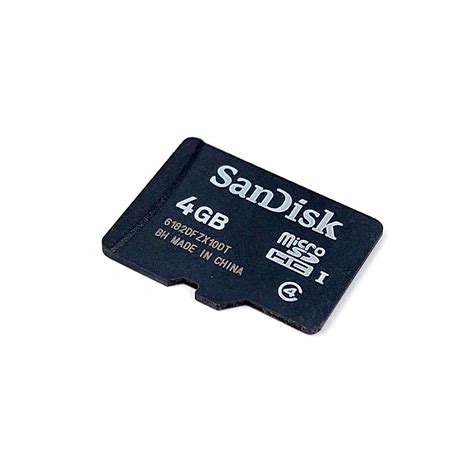
This is where performance comes into play. The Nintendo Switch supports UHS-I (Ultra High Speed Phase I) microSD cards. While UHS-II cards exist and are faster, the Switch cannot take advantage of their increased speeds, so investing in one would be overkill and won’t yield better results.
Within the UHS-I standard, look for these ratings:
- UHS Speed Class 1 (U1): Guarantees a minimum sequential write speed of 10 MB/s.
- UHS Speed Class 3 (U3): Guarantees a minimum sequential write speed of 30 MB/s. This is the optimal choice for the Switch.
- Video Speed Class (V10, V30, etc.): Often found alongside U ratings, V30 is equivalent to U3 in terms of minimum write speed.
- Application Performance Class (A1 or A2): While important for smartphone apps, these ratings don’t significantly impact Switch game loading times beyond what a fast U3 card offers, as the Switch’s OS handles data differently. A1 and A2 cards are generally good, but prioritize U3.
In summary: Aim for a UHS-I U3 microSD card. These cards provide read speeds typically up to 100 MB/s and write speeds up to 90 MB/s, which is well within the Switch’s capabilities and will deliver the fastest possible game loading and data transfer.
Top Recommendations for Your Switch
Based on performance, reliability, and value, certain brands and models consistently stand out:
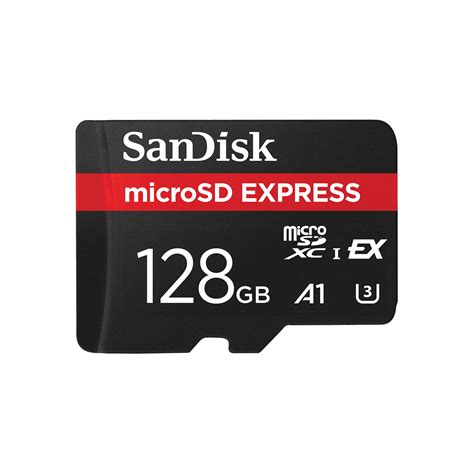
- SanDisk Ultra or Extreme Series: Often considered the gold standard for Switch users. The SanDisk Ultra offers excellent value, while the Extreme series provides slightly better speeds (though both hit the Switch’s UHS-I limit). They come in a wide range of capacities and are reliably fast U3 cards.
- Samsung EVO Select or EVO Plus: Another highly reliable and popular choice. Samsung’s EVO series cards offer consistent U3 performance and are known for their durability.
- Lexar PLAY Series: Specifically designed for gaming devices like the Switch, these cards offer U3 speeds and good value.
- PNY PRO Elite: A solid, often more affordable alternative that still delivers the necessary U3 performance.
Always purchase from reputable retailers to avoid counterfeit cards, which can lead to data loss and poor performance.
Installation and Best Practices
Installing an SD card in your Switch is straightforward:
- Turn off your Nintendo Switch completely (not just sleep mode).
- Open the kickstand on the back of the console to reveal the microSD card slot.
- Insert the microSD card with the label facing down until it clicks into place.
- Turn on your Switch. The console will typically recognize the new card and may prompt you to format it. Always allow the Switch to format the card for optimal compatibility.
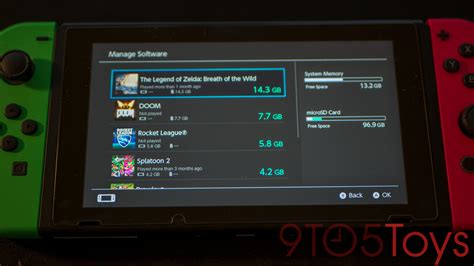
Once installed, all new digital game downloads will automatically save to the SD card. You can also move existing games from your internal storage to the SD card via the System Settings > Data Management menu.
Conclusion
For the best balance of storage expansion and faster game loading on your Nintendo Switch, prioritize a UHS-I U3 microSD card from a reputable brand like SanDisk or Samsung. Aim for a capacity that fits your budget and gaming habits, with 256GB or 512GB being ideal for most. Equipping your Switch with the right SD card is one of the easiest and most impactful upgrades you can make to enhance your gaming experience, ensuring you spend less time waiting and more time playing.