





How to maximize Nintendo Switch battery life for extended gaming sessions?
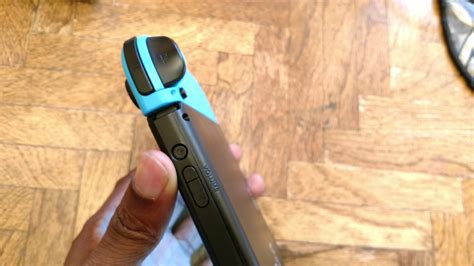
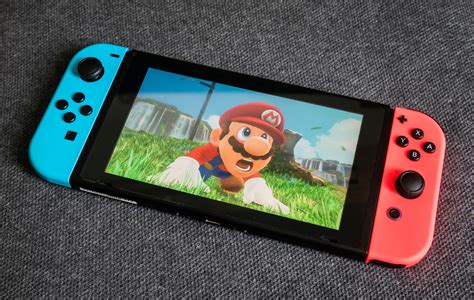
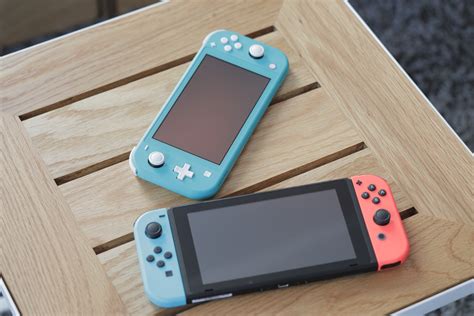
The Nintendo Switch offers incredible versatility, allowing you to seamlessly transition between TV mode and handheld play. However, extended gaming sessions on the go can quickly drain its internal battery. Fortunately, with a few adjustments to your settings and habits, you can significantly prolong your Switch’s playtime.
Optimize Screen Brightness
The display is often the biggest power consumer on any handheld device. Reducing screen brightness is one of the most effective ways to save battery. While a vibrant screen enhances the gaming experience, a slightly dimmer setting can make a huge difference without heavily impacting visibility, especially in indoor environments.
- Access System Settings > Screen Brightness.
- Disable ‘Auto-Brightness’ to gain manual control.
- Adjust the slider to the lowest comfortable level for your current environment.
Manage Wireless Connections
Wi-Fi and Bluetooth are constantly drawing power, even when not actively in use for online play or connected accessories. If you’re playing offline or using wired controllers, turning these off can yield noticeable battery savings.
- **Wi-Fi:** Go to System Settings > Internet and turn Wi-Fi off if you’re not downloading or playing online.
- **Bluetooth:** While Joy-Cons connect via Bluetooth, you can disconnect other unused Bluetooth accessories (like extra controllers or headphones) via System Settings > Controllers and Sensors > Disconnect Controllers.
Adjust System Sleep Mode Settings
Your Switch goes into sleep mode after a period of inactivity, but you can configure how quickly this happens, impacting overall power consumption when you step away from your game.
- Navigate to System Settings > Sleep Mode.
- Set ‘Auto-Sleep (Playing on Console Screen)’ to a shorter duration, such as 1 or 3 minutes.
- For ‘Auto-Sleep (Playing on TV)’, you can also set a shorter time if you frequently pause games for short breaks.
Disable HD Rumble and Motion Controls
While HD Rumble provides immersive feedback and motion controls offer unique gameplay, both features require power. If you’re trying to squeeze every last minute out of your battery, consider temporarily disabling them for games where they aren’t essential.
- **HD Rumble:** Go to System Settings > Controllers and Sensors > Controller Vibration. Turn this off.
- **Motion Controls:** Specific games may have their own in-game settings to disable motion controls.
Utilize Airplane Mode for Offline Play
If you’re exclusively playing single-player, offline games, activating Airplane Mode is the quickest way to disable all wireless communications, including Wi-Fi, Bluetooth, and NFC. This provides a significant boost to battery life.
- Hold down the HOME Button for a few seconds to open the Quick Settings menu.
- Select ‘Airplane Mode’ to toggle it on.
Consider a Portable Power Bank
For truly marathon gaming sessions, external power is your best friend. A high-capacity portable power bank can recharge your Switch multiple times, effectively extending your playtime indefinitely when away from an outlet. Look for power banks with USB-C Power Delivery (PD) for optimal charging speeds.
Keep Your Switch Updated
Nintendo frequently releases system updates that include performance improvements and bug fixes. These updates can sometimes include optimizations that improve battery efficiency, so keeping your console’s software current is always a good idea.
- Go to System Settings > System > System Update.
Conclusion
By implementing these tips, you can significantly enhance your Nintendo Switch’s battery performance, allowing you to enjoy longer, uninterrupted gaming sessions wherever you are. Whether it’s dimming the screen, managing wireless connections, or packing a power bank, a little proactive management goes a long way in maximizing your portable gaming adventures.




