





Maximize Switch game storage: best microSD cards for more games?

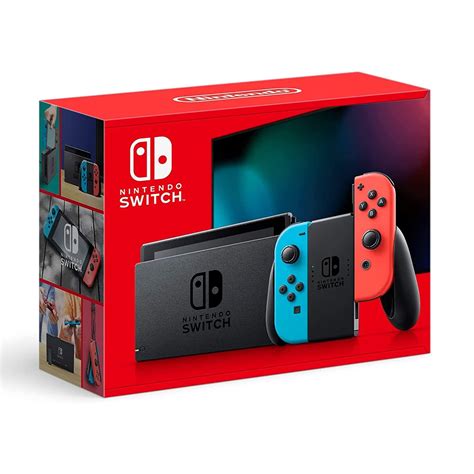
The Nintendo Switch is a phenomenal console, offering unparalleled versatility for gaming on the go or at home. However, one common complaint among its dedicated fanbase is the relatively limited internal storage. With only 32GB (or 64GB for the OLED model) built-in, and a significant portion of that reserved for the system itself, digital game downloads can quickly eat up your available space. This often leads to the frustrating decision of deleting beloved titles to make room for new adventures. Thankfully, there’s a simple and effective solution: a high-quality microSD card.
Why Your Nintendo Switch Needs More Storage
Many modern Switch games, especially digitally downloaded versions, can be massive. Titles like The Legend of Zelda: Tears of the Kingdom, Pokémon Scarlet/Violet, or NBA 2K can easily consume 10-15GB or more each. Even smaller indie games add up quickly. If you primarily buy physical game cartridges, you’ll still need storage for game updates, DLC, and save data, which can also accumulate. Expanding your Switch’s storage with a microSD card is not just a convenience; it’s practically a necessity for any avid gamer who wants to maintain a robust digital library without constant management headaches.
Understanding microSD Card Essentials for Switch
Choosing the right microSD card isn’t just about picking the biggest one you can find. Several factors influence performance and value for money:
Capacity: How Much Space Do You Really Need?
- 64GB-128GB: A good starting point for casual gamers or those who mostly buy physical games. It offers a noticeable upgrade over internal storage.
- 256GB-512GB: The sweet spot for most dedicated digital gamers. This range provides ample space for dozens of large titles and future-proofs your console for a good while.
- 1TB or More: For the ultimate digital collector or someone who wants to download everything without a second thought. While more expensive, these offer maximum peace of mind.
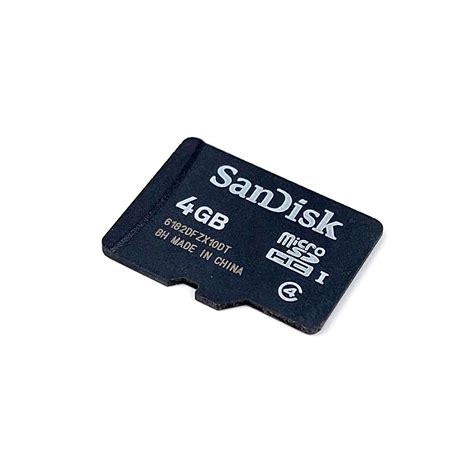
The Switch supports microSDHC (up to 32GB) and microSDXC (64GB and above) cards. For optimal performance and capacity, always aim for microSDXC.
Speed: U1 vs. U3, A1 vs. A2
While the Switch itself doesn’t utilize the absolute fastest speeds available on the market, card speed still impacts game loading times and overall responsiveness. Look for these ratings:
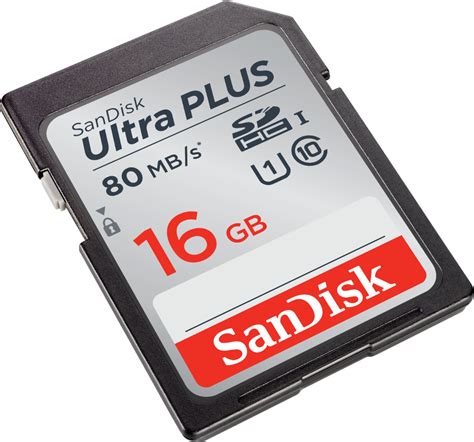
- UHS Speed Class (U1 or U3): U1 guarantees a minimum write speed of 10MB/s, while U3 guarantees 30MB/s. U3 cards are generally recommended for slightly faster game loading, though the difference on Switch is often negligible compared to internal storage.
- Application Performance Class (A1 or A2): A1 cards offer better performance for running apps (like games) directly from the card, with a minimum of 1,500 random read IOPS and 500 random write IOPS. A2 cards are even faster (4,000/2,000 IOPS). While the Switch benefits from these, A1 is usually sufficient and more cost-effective.
Prioritize reputable brands known for consistent speed and reliability.
Top Picks: Best microSD Cards for Nintendo Switch
When it comes to reliability, performance, and value, certain brands consistently stand out for Nintendo Switch users:
SanDisk microSDXC Cards for Nintendo Switch
SanDisk offers officially licensed Nintendo Switch microSD cards, featuring iconic Switch branding. These cards are specifically tested and optimized for the console, ensuring seamless compatibility and excellent performance. They are available in various capacities, from 64GB up to 1TB. While they might carry a slight premium due to licensing, they are a safe and reliable choice.
Samsung EVO Select/Plus microSDXC Cards
Samsung’s EVO line (e.g., EVO Select or EVO Plus) consistently delivers strong performance and great value. They are widely available, offer excellent read/write speeds suitable for the Switch (often U3 and A2 rated), and come with solid warranties. These are a fantastic option for those seeking a balance of performance and affordability.
Lexar PLAY microSDXC Cards
Lexar’s PLAY series is designed for devices like gaming consoles and smartphones. These cards often boast U3 and A2 ratings, providing fast loading times and smooth gameplay. They are a reliable, high-performance alternative to the more common SanDisk and Samsung options, often at competitive prices.
How to Choose the Right Card for You
Consider your personal gaming habits:
- Digital Hoarder: Go for 512GB or 1TB. You’ll thank yourself later.
- Balanced Gamer (physical and digital): 256GB is a good compromise, offering plenty of space without breaking the bank.
- Casual Gamer (mostly physical games): 64GB or 128GB will suffice for updates, DLC, and a few digital indies.
Always buy from reputable retailers to avoid counterfeit cards, which can lead to data loss and poor performance.
Installation and Management Tips
Installing a microSD card in your Switch is incredibly simple. Locate the small kickstand on the back of the console, lift it up, and you’ll find the microSD card slot. Slide the card in until it clicks. The Switch will automatically recognize it and prompt you to format it if necessary.
- Transferring Data: If you’re upgrading from a smaller card, you can transfer your game data by copying all files from the old card to your PC, then to the new card. Alternatively, you can redownload games directly to the new card via the eShop.
- Game Saves: Remember that game save data is stored on the Switch’s internal memory or backed up to the cloud (with a Nintendo Switch Online subscription), not on the microSD card.
Conclusion
Investing in a good quality microSD card is one of the best upgrades you can make for your Nintendo Switch. It eliminates storage anxiety, allows you to keep more games installed, and ultimately enhances your gaming experience. By considering capacity, speed, and trusted brands, you can easily find the perfect card to maximize your Switch’s potential and ensure you’re always ready for your next adventure.


