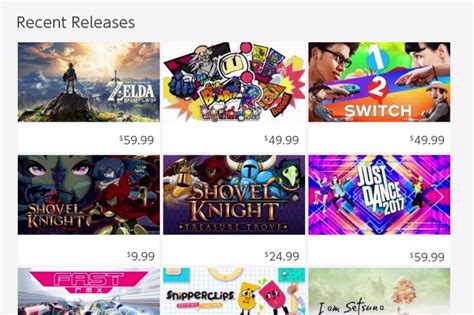
Running out of Switch storage for new games? Which microSD card capacity is ideal?
The Ever-Growing Digital Library Dilemma
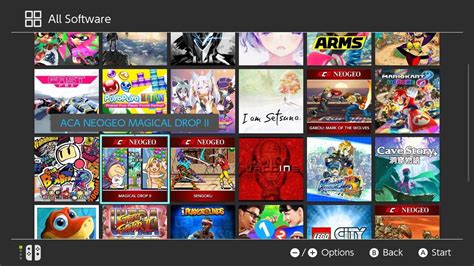
It’s a familiar scenario for many Nintendo Switch owners: you’ve just seen an exciting new game release or a tempting eShop sale, but a quick check reveals your console’s internal storage is almost full. With many modern games demanding significant space, coupled with updates and downloadable content (DLC), running out of storage is a common headache. While the Nintendo Switch comes with some internal memory, it’s often not enough for avid gamers, especially those who prefer digital titles.
Why Switch Storage Fills Up So Fast
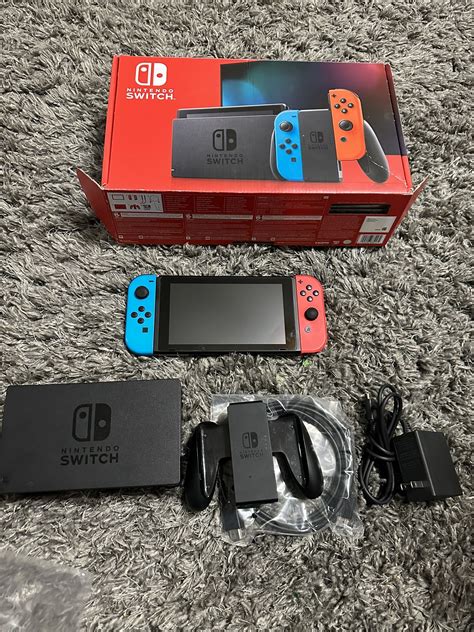
The original Nintendo Switch (V1 and V2) and the Switch Lite come with 32GB of internal storage, while the Nintendo Switch OLED model boasts 64GB. On paper, this might sound like a decent amount, but a significant portion of this is reserved for the system’s operating software. This leaves considerably less for games. Consider that some popular titles can range from 5GB to over 20GB, and even indie games, patches, and DLC add up quickly.
- Digital Downloads: Buying games directly from the eShop means they need to be stored entirely on your console or microSD card.
- Game Updates & Patches: Even physical game cartridges often require substantial updates, which consume storage space.
- DLC & Expansions: Additional content for your favorite games can easily add several gigabytes.
- Save Data: While save data doesn’t take up a huge amount, it’s still part of the equation.
Understanding MicroSD Card Capacities: Which One Is Right For You?
Adding a microSD card is the easiest and most cost-effective way to expand your Switch’s storage. But with various capacities available, how do you pick the ideal one?
64GB or 128GB: The Casual Gamer
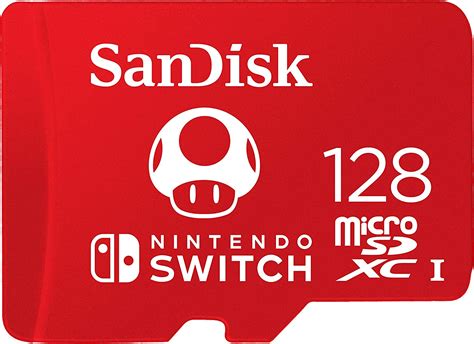
If you primarily buy physical game cartridges and only occasionally download smaller indie titles or free-to-play games, a 64GB or 128GB card might suffice. These capacities are budget-friendly and offer a decent buffer for updates and a few digital gems. However, if you plan to dabble more in digital purchases, you might quickly outgrow this size.
256GB: The Balanced Player
This is often considered the sweet spot for many Switch owners. A 256GB microSD card provides ample space for a good mix of digital downloads and physical game updates. You can comfortably store several large AAA titles alongside numerous smaller games without constantly worrying about deleting content. It offers a great balance between cost and capacity.
512GB: The Digital Enthusiast
For those who love to buy digital games from the eShop, frequently download new releases, and enjoy having a large library readily available without swapping cartridges, a 512GB card is an excellent choice. It allows you to build a substantial digital collection, often accommodating dozens of large games and hundreds of smaller ones. This capacity is becoming increasingly popular as game sizes grow and eShop sales tempt players.
1TB: The Ultimate Digital Collector
If you’re a hardcore digital-only player, a dedicated collector, or simply want to future-proof your storage for years to come, a 1TB microSD card is the ultimate solution. While it comes with a higher price tag, it virtually eliminates any storage concerns, allowing you to download games without hesitation and build an enormous digital library. This is ideal for those who never want to delete a game or wait for re-downloads.
Factors to Consider When Choosing
- Your Gaming Habits: Do you buy mostly physical or digital? How many games do you typically play concurrently?
- Budget: While microSD cards are affordable, higher capacities naturally cost more.
- Future-Proofing: Consider how many new games you anticipate buying over the next year or two. It’s often better to go a bit larger than you think you need to avoid upgrading sooner.
- Game Sizes: Check the file sizes of games you’re interested in. Some large titles can quickly consume space.
Don’t Forget Speed Ratings (UHS-I)
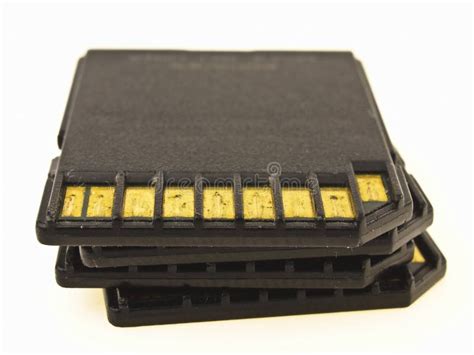
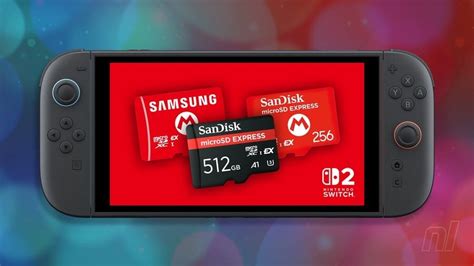
Beyond capacity, ensure you choose a microSD card with a good speed rating. The Nintendo Switch supports UHS-I cards, with a recommended read speed of 60-95 MB/s. Look for cards with a Speed Class 10 (C10) and a UHS Speed Class 1 (U1) or 3 (U3) rating. Cards with an A1 or A2 application performance class rating are also excellent, as they are optimized for faster loading of applications (like games).
Conclusion: Find Your Perfect Fit
The ideal microSD card capacity for your Nintendo Switch largely depends on your individual gaming style and how much you rely on digital downloads. For most balanced players, a 256GB or 512GB card offers the best blend of space, performance, and value. If you’re a casual player, 128GB might be enough, while the most dedicated digital collectors will appreciate the vastness of 1TB. No matter your choice, expanding your Switch’s storage will significantly enhance your gaming experience, ensuring you’re always ready for the next big adventure.