How to extend phone battery life while playing graphics-intensive mobile games?
The Challenge of Mobile Gaming Battery Drain
Graphics-intensive mobile games are a thrill to play, offering immersive experiences that rival console gaming. However, this visual fidelity comes at a cost: rapid battery depletion. High-resolution textures, complex particle effects, and demanding processors all conspire to drain your phone’s power pack faster than you can say “GG.” Fortunately, with a few strategic adjustments, you can significantly extend your playtime.
Optimize In-Game Settings for Efficiency
The first line of defense against battery drain lies within the game itself. Developers often include a plethora of graphics options, allowing users to tailor performance to their device. Reducing these settings can have a profound impact on battery life without necessarily ruining the experience.
- Lower Graphics Quality: This is often the most impactful setting. Reduce texture quality, shadow detail, and anti-aliasing. Many games offer presets like “Low,” “Medium,” or “Performance.”
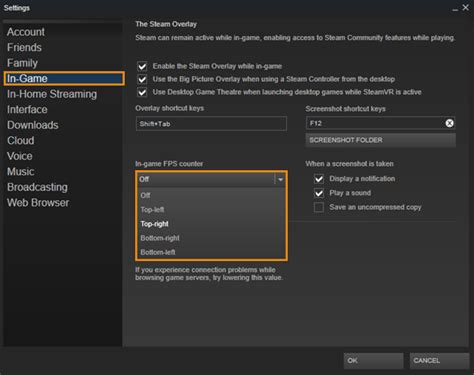
- Reduce Frame Rate (FPS): While a higher FPS feels smoother, it also demands more processing power. Capping your frame rate at 30 FPS instead of 60 FPS can save a significant amount of battery.
- Disable Unnecessary Effects: Turn off features like motion blur, reflections, advanced lighting, or environmental details if the game allows. These are often subtle but resource-intensive.
Adjust Your Phone’s System Settings
Beyond in-game options, your phone’s operating system offers several ways to conserve power. These adjustments can be made before you even launch your favorite game.
Screen Brightness and Display
Your phone’s screen is one of the biggest power consumers. Lowering its brightness is a quick and effective fix. Avoid “Auto-Brightness” if it tends to keep your screen brighter than necessary in your gaming environment. Shorter screen timeout settings also help, though less relevant while actively gaming.
Connectivity and Background Processes
Many background processes and connectivity features constantly draw power, even if they’re not directly in use during your game session. Disabling them frees up resources and extends battery life.
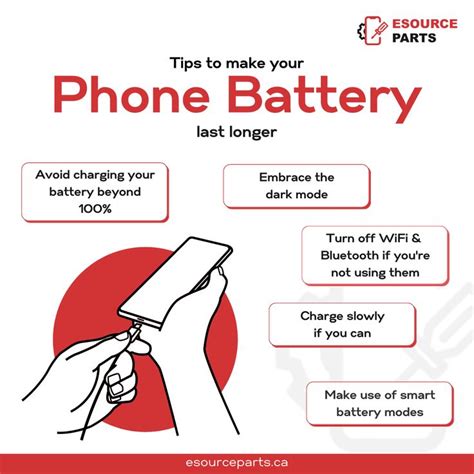
- Turn off Wi-Fi/Bluetooth/GPS: If you’re playing offline or using mobile data, disable Wi-Fi. Similarly, turn off Bluetooth if you’re not using wireless headphones or controllers. GPS is a notorious battery drainer, so disable location services unless the game explicitly requires it.
- Enable Power Saving Mode: Most smartphones have a dedicated power-saving mode. Activating it will automatically reduce screen brightness, limit background app activity, and sometimes even throttle CPU performance – which might be a good trade-off for extended playtime.
- Close Background Apps: Before launching your game, swipe away or force-close any apps running in the background. Each active app consumes RAM and CPU cycles, contributing to battery drain.
- Disable Notifications: Constant notifications wake up your screen and demand processor attention. Turn on “Do Not Disturb” or silence notifications while gaming.
External Solutions and Best Practices
Sometimes, software adjustments aren’t enough, and external factors or hardware can make a difference in your battery’s longevity during intense gaming sessions.
Keep Your Phone Cool
Heat is the enemy of battery life and overall phone performance. When your phone gets hot, its components, especially the battery, become less efficient and degrade faster. Playing in a cooler environment or even using external cooling accessories can help.
- Remove Phone Case: If your case traps heat, remove it before a long gaming session.
- Avoid Direct Sunlight: Playing in direct sunlight will quickly heat up your device.
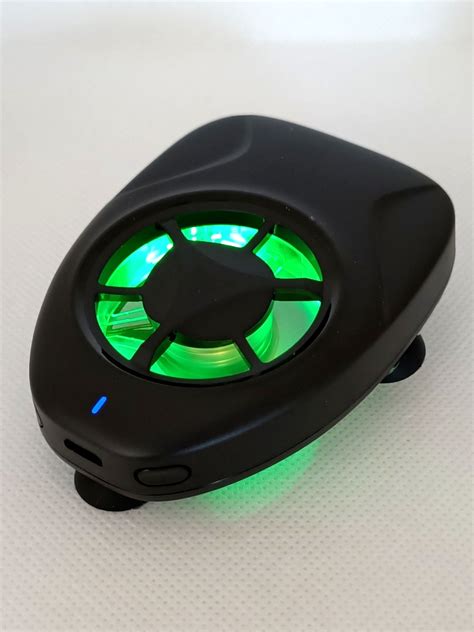
- Consider a Cooling Fan: Small clip-on or stand-based phone cooling fans are available and can significantly reduce device temperature, boosting both performance and battery life.
Hardware and Charging Habits
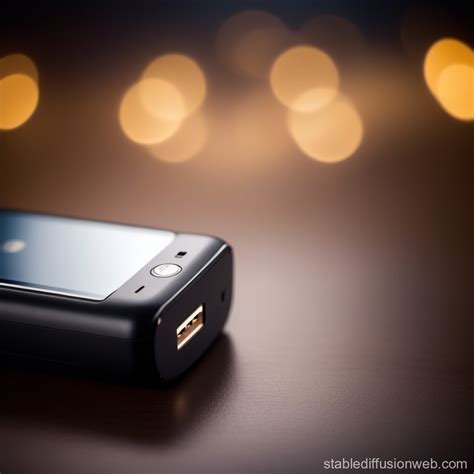
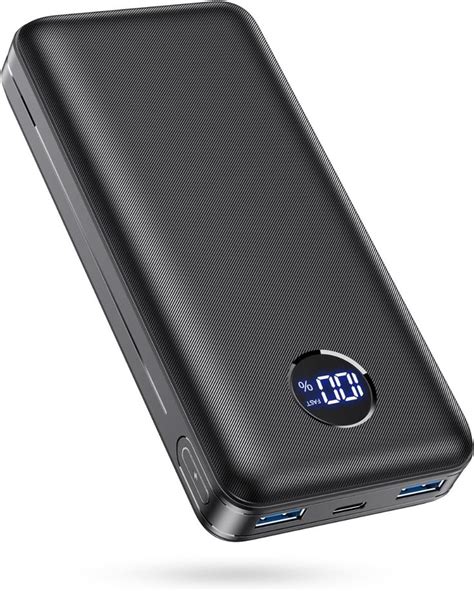
- Use an External Power Bank: For truly marathon sessions, a portable power bank is indispensable. Keep it charged and ready to go.
- Play While Plugged In (Carefully): While playing and charging simultaneously can generate more heat, it’s an option for continuous play. Just ensure you’re in a well-ventilated area and monitor the phone’s temperature. If it gets too hot, take a break.
Long-Term Battery Health Tips
Beyond immediate power saving, maintaining your phone’s overall battery health will ensure it performs better during gaming over its lifespan.
- Avoid Extreme Temperatures: Prolonged exposure to very hot or very cold conditions degrades battery capacity.
- Optimal Charging Practices: Modern lithium-ion batteries prefer partial charges. Avoid constantly draining your phone to 0% and charging it to 100%. Aim to keep it between 20% and 80% when possible.
- Keep Software Updated: Operating system and game updates often include performance optimizations and bug fixes that can improve power efficiency.
Conclusion
Enjoying graphics-intensive mobile games doesn’t have to mean being tethered to a charger. By strategically adjusting in-game and phone settings, managing external factors, and practicing good battery hygiene, you can significantly extend your phone’s battery life. Experiment with these tips to find the perfect balance between visual quality and extended playtime, ensuring your gaming adventures last longer.